Assign and Manage Roles / Permissions
For the most part, P4 is adopting the general WordPress structure for permissions. However, some roles have been modified to allow for additional capabilities.
📚 Manage Planet 4 > Administration > Access
🔎 Where can I find this ? Dashboard > Users
Should you have the right permission levels, you will be able to access roles in Dashboard > Users, either assign individual permissions or bulk change roles by selecting one or multiple profile (see snapshot).
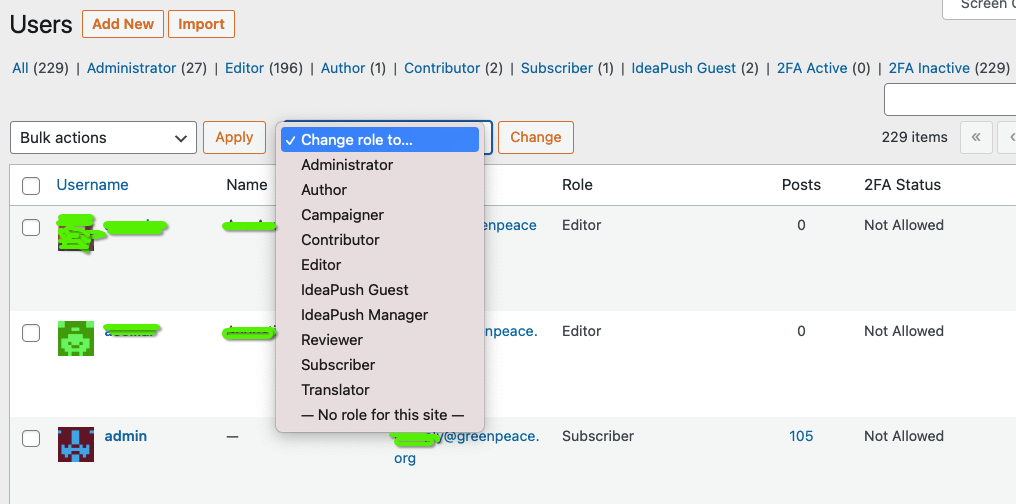
🤔 Key info: Roles and users can be added and managed only by Planet 4 Administrators.
Roles overview
Here’s what each role can do in P4:
- Subscriber > Follow a page (not yet available), receive emails (according to the email marketing tool used)
- Reviewer > Read private (not yet published) posts and pages to provide feedback to authors / editors.
- Contributor > Create, Edit, and Delete their own Posts, upload Media Files (images and documents)
- Author > All of the above + Create, Edit and Delete others Posts, moderate Comments
- Editor > All of the above + Create, Edit and Delete all P4 Pages (includes building with blocks), manage Categories and Links
- Administrator > All of the above + assign Roles, manage Redirects, edit Tags, edit Header & Footer, change Settings, Theme and Appearance.
- The P4 setup (by choice and design) does not allow plugins to be installed by site Administrators. More info at > P4 Plugins
- Campaigner > Upload files, Edit and Delete Own posts; Edit, Publish and Delete own all Campaign pages + import Campaign Pages
🤔 Key info: To have stories / blogs /articles migrated from Planet 3 credited in Planet 4 authors MUST have the same P4 user ID / name of P3!
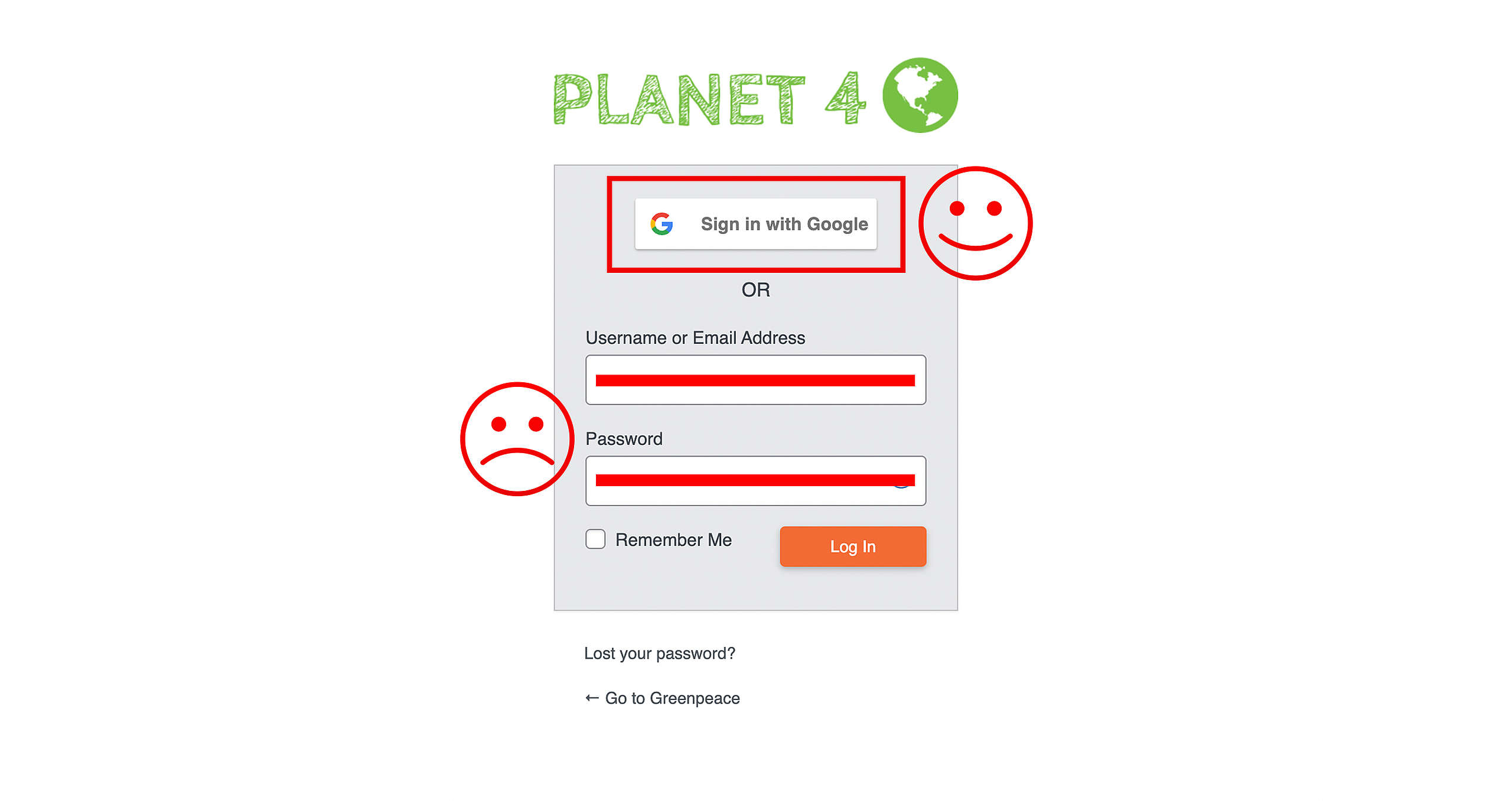
Log in
Once an access role has been defined, users can Log in to P4. We always recommend to log in with your Greenpeace Google ID.