
Pattern: Issues 🌊
📚 Create Content > Patterns > Issues
Provide links to the main issues we work on (lead to either topic or campaign pages)
This very versatile pre-set pattern helps you to connect icons and texts with a Call To Action to facilitate access to sub-topics.
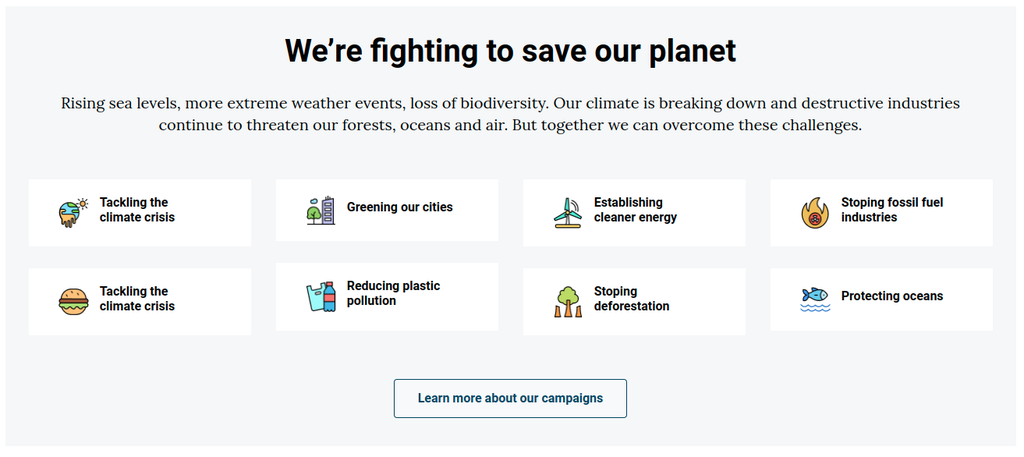
Find the pattern
In any page or post, when adding a new element, type “Issues” to search or go to “Planet 4 patterns” to locate it among the available ones (see .gif below 👇 )
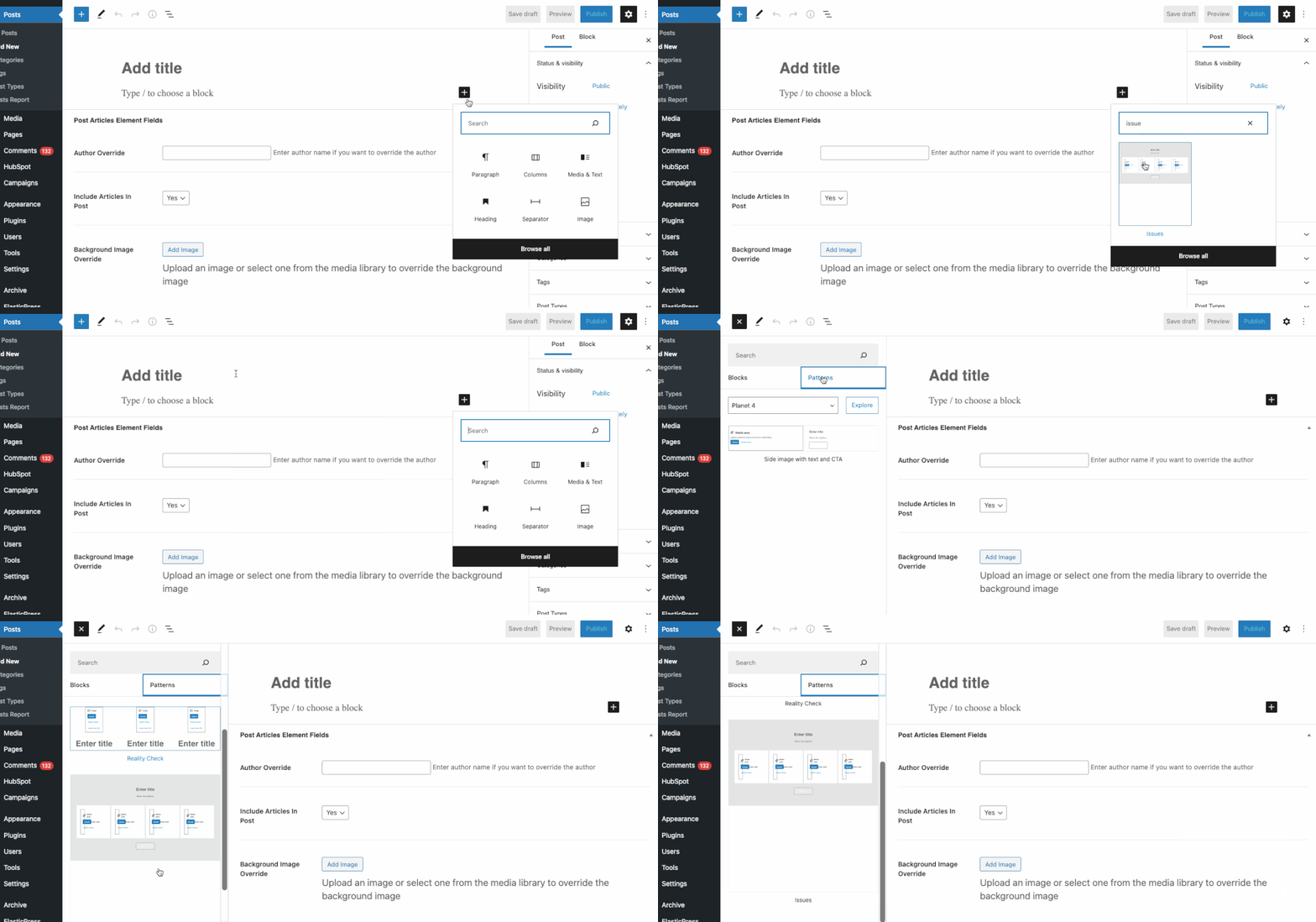
Customise the pattern
The “Issues” pattern works with a WYSIWYG approach, proposing editors a Spacer, a Heading and a description for the overall block and one row of 4 Columns, with each field containing an Image, Headings, Paragraph, Media & Text
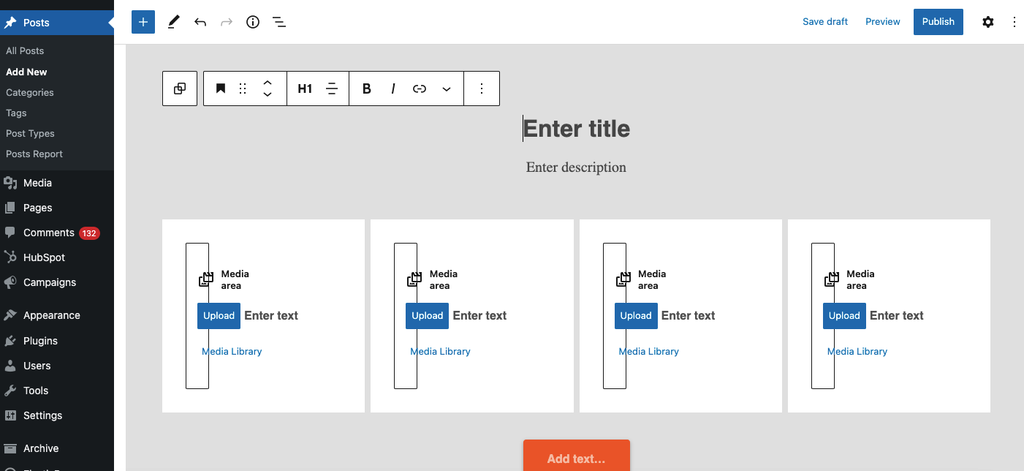
To maximise the impact of the “Issues” block pattern, you should use icons to showcase the topic of each column, numbers
TIP 👉 find here a set of icons for your Issues block pattern
And this is how the block looks like when all fields are populated 👇
Lorem ipsum (Title)
Lorem ipsum dolor sit amet, consectetur adipiscing elit, sed do eiusmod tempor incididunt ut labore et dolore magna aliqua. (Description)

Lorem ipsum

Lorem ipsum

Lorem ipsum

Lorem ipsum
Block / pattern settings
You’ll notice that on the right side a different set of commands will appear. As the “Issues” block works as the group block, the settings for each block (image, title, paragraph) will appear while you go through the WYSIWYG.
Video intro
[COMING SOON]