
Pattern: Deep Dive 🔎
📚 Create Content > Patterns > Deep Dive
The links should drive users to the Deep-dive topic pages while visiting a high-level topic page.
This very versatile pre-set pattern helps you to connect icons and texts with a Deep-Dive topic to facilitate access to a specific issue.

Find the pattern
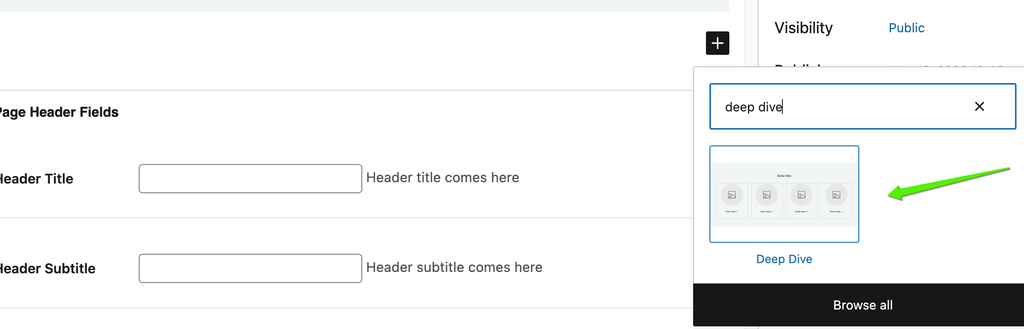
In any page or post, when adding a new element, type “Deep dive” to search or go to “Planet 4 patterns” to locate it among the available ones (see image below)
Customise the pattern
The “Deep Dive” pattern works with a WYSIWYG approach, proposing editors a Spacer, a Heading and one row of 4 Columns, with each field containing an Image, Headings, Paragraph, Media & Text
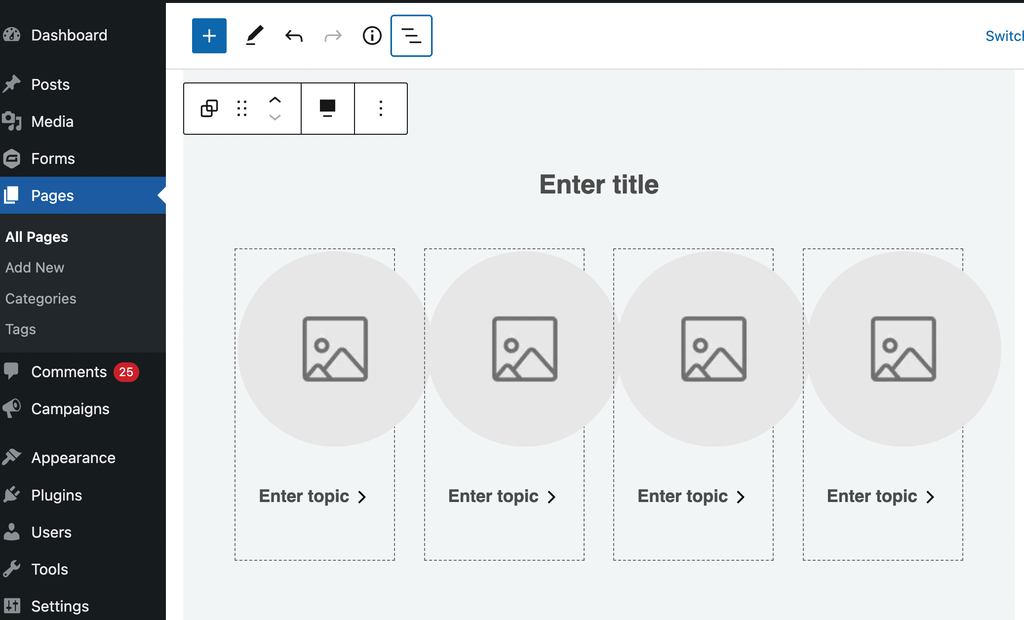
To maximise the impact of the “Deep dive” block pattern, you should use icons to showcase the topic of each column, numbers
TIP 👉 find here a set of icons for your “deep dive” block pattern
And this is how the block looks like when all fields are populated 👇
Lorem ipsum (title)

Topic

Topic

Topic

Topic
Block / pattern settings
You’ll notice that on the right side a different set of commands will appear. As the “Deep Dive” block works as the group block, the settings for each block (image, title, paragraph) will appear while you go through the WYSIWYG.