
Manage your cookies preferences

Please select which cookies you are willing to store.

Performance cookies Always enabled

These cookies will allow us to collect statistical and anonymised data, such as how long users stay on a page or which links are clicked, to ultimately improve Greenpeace.org and provide you with a better experience of our website. The acceptance of these cookies will also allow you to hide the cookies acceptance banner.

In addition to the Statistical cookies mentioned above, we may also place in your browser cookies from third-party services (e.g. Facebook or Google) to track the effectiveness of our online marketing strategies and to deliver adverts more relevant to you and your interests. These cookies may also be used to serve advertising to you after you have left our site (retargeting cookies).

This site works great in a cookie-free experience. To make it better, however, we use some cookies. You can read the Privacy Policy and change your cookies settings anytime.

Include a Topic Link within posts through a dynamic floating card!

📚 Create Content > Blocks > Topic Link

Where to Find?

Topic Links are available for Posts only. They are built so that visitors of the website can easily find more information related to the same Topic. You can insert the Topic Link Block anywhere in your Article.

Create

Insert

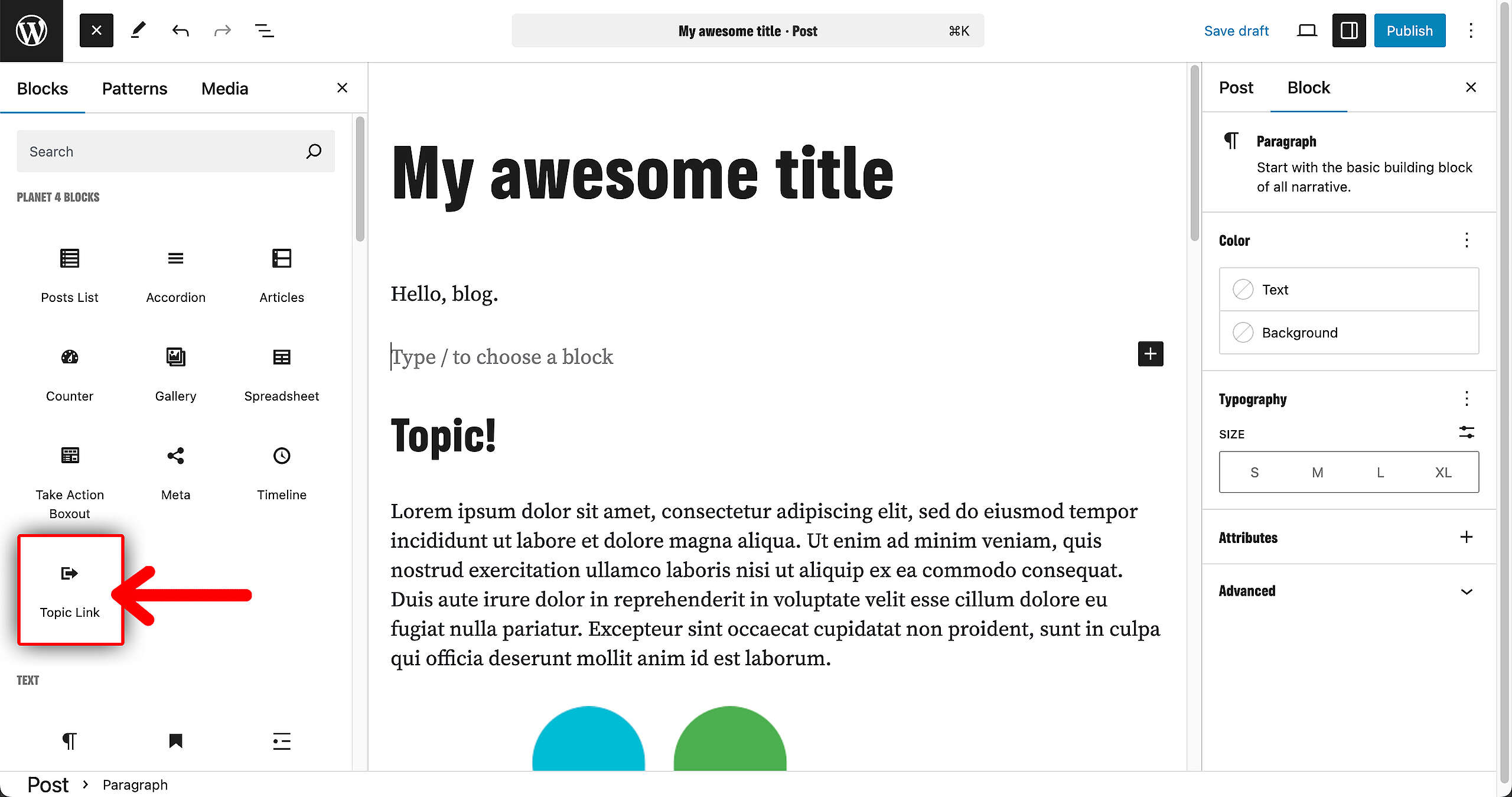
Find the Topic Link Block in the Blocks overview on the left and insert it wherever you’d like it to appear in your Post.
Change image

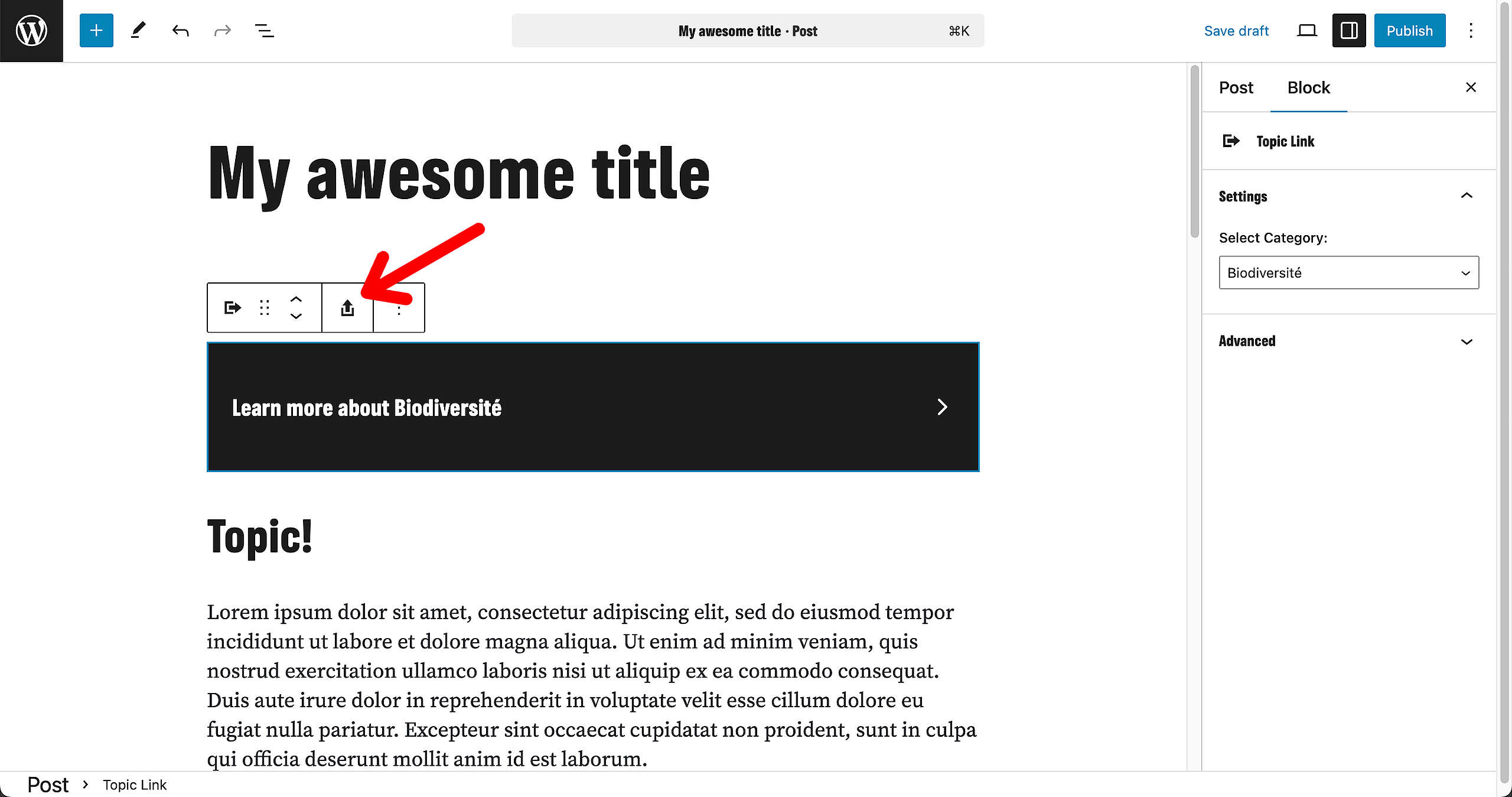
To change the background image of the Block, click on the icon that is highlighted in the screenshot below. Your usual Media Library window will appear. Upload a new image or select one that has been previously added.
Select category

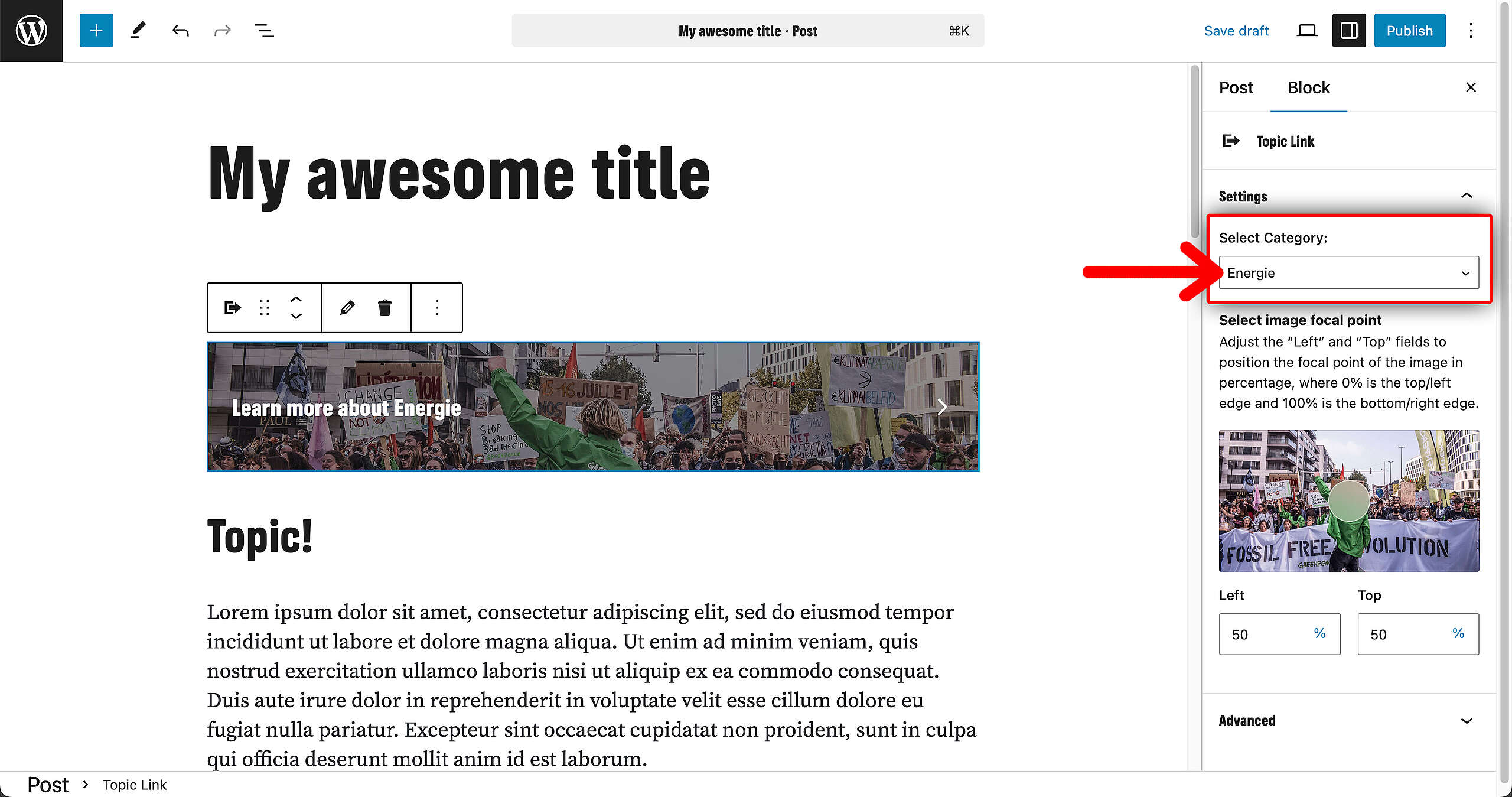
Did the wrong category show up? This can easily be changed in the sidebar Block settings. A dropdown will appear with all your created categories. Select one and the Topic Link will change.
Links & resources

Was this helpful?

Yes
No
Thanks for your feedback!