
Block: Cover
Showcase full screen images and videos with the parallax effect.
📚 Create Content > Blocks > Cover
Getting started
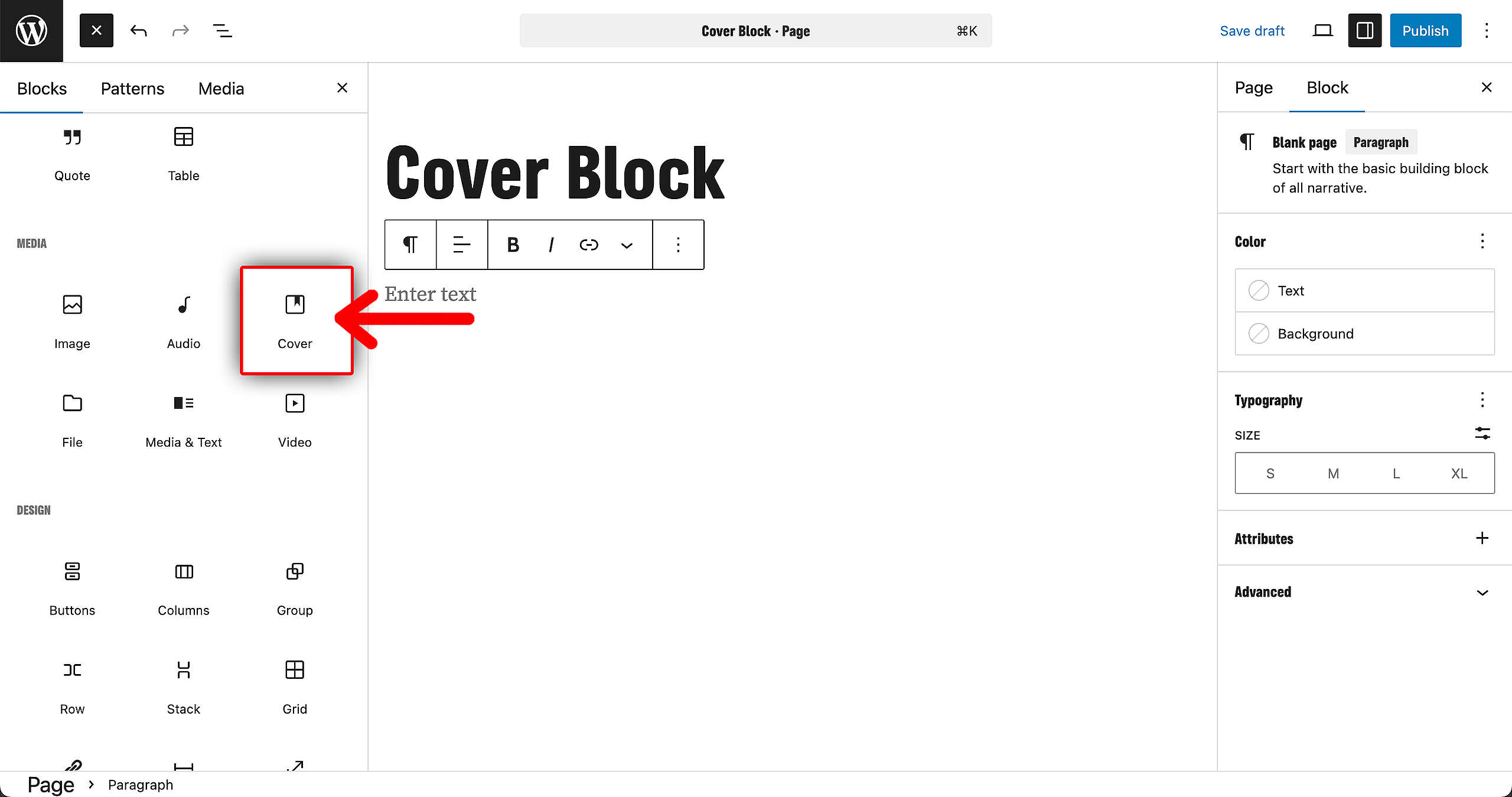
The Cover Block is available on both Pages and Posts. Go to your Block overview on the left, and find the Cover Block. Click on it and let’s get started!
Design option
There are two design options for the Cover Block. With a color background, or an image background.
Color background
To use a basic color background, select one of the colors from the list here:
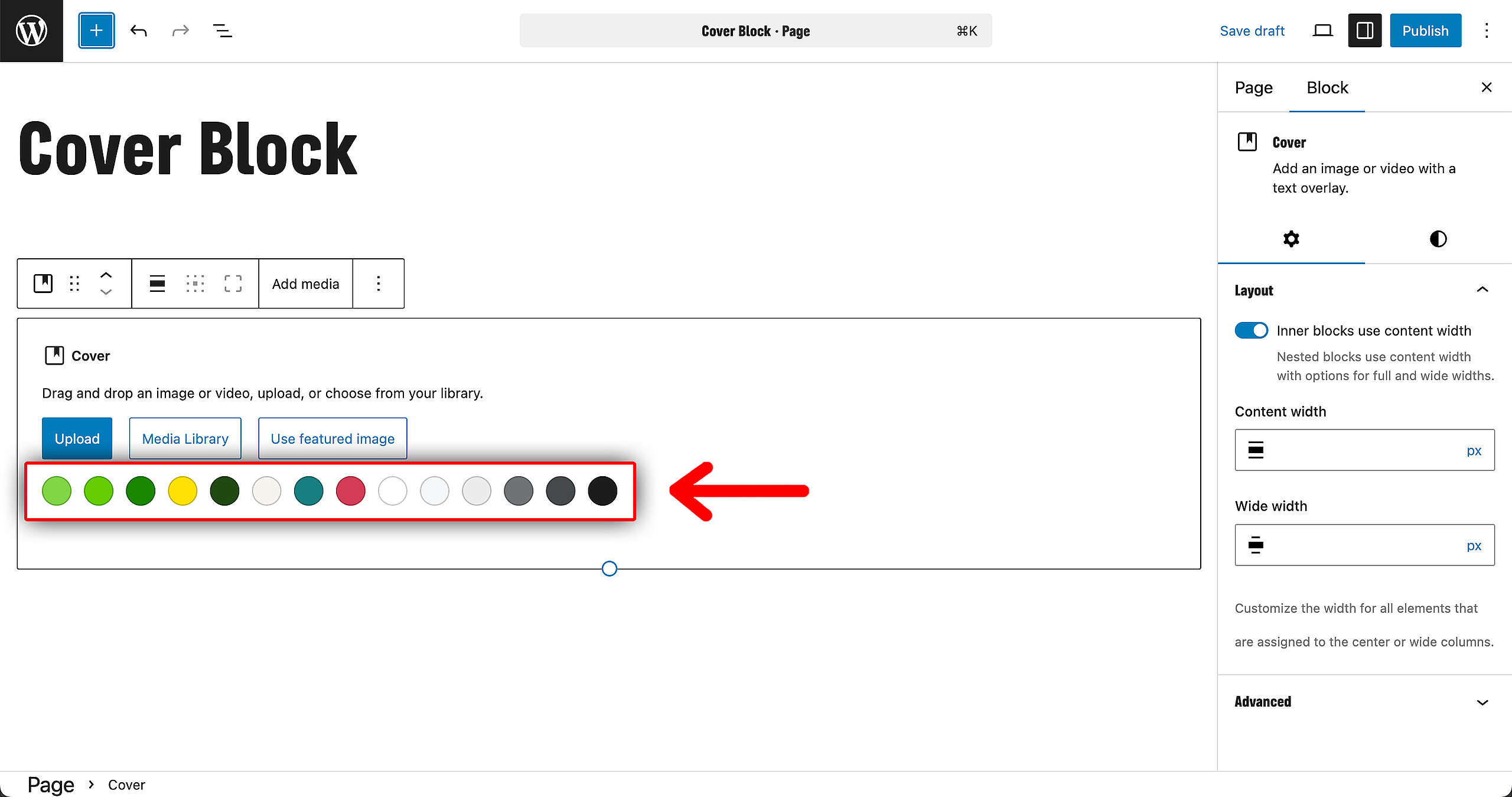
Image background
To use an image background, upload a new image or go to the Media Library to select an already uploaded one.
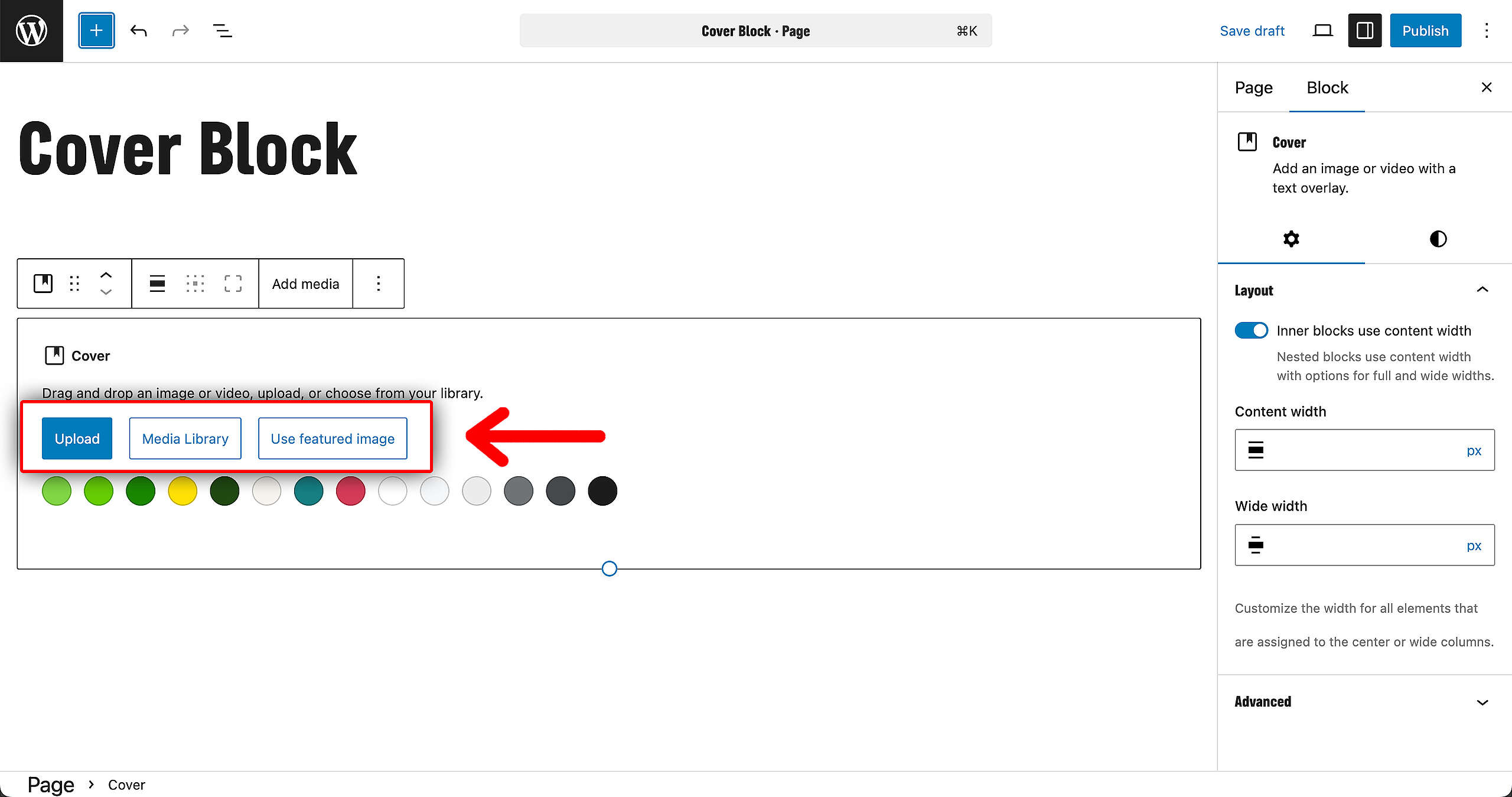
From this point, we’ll continue with the idea of using an image as background.
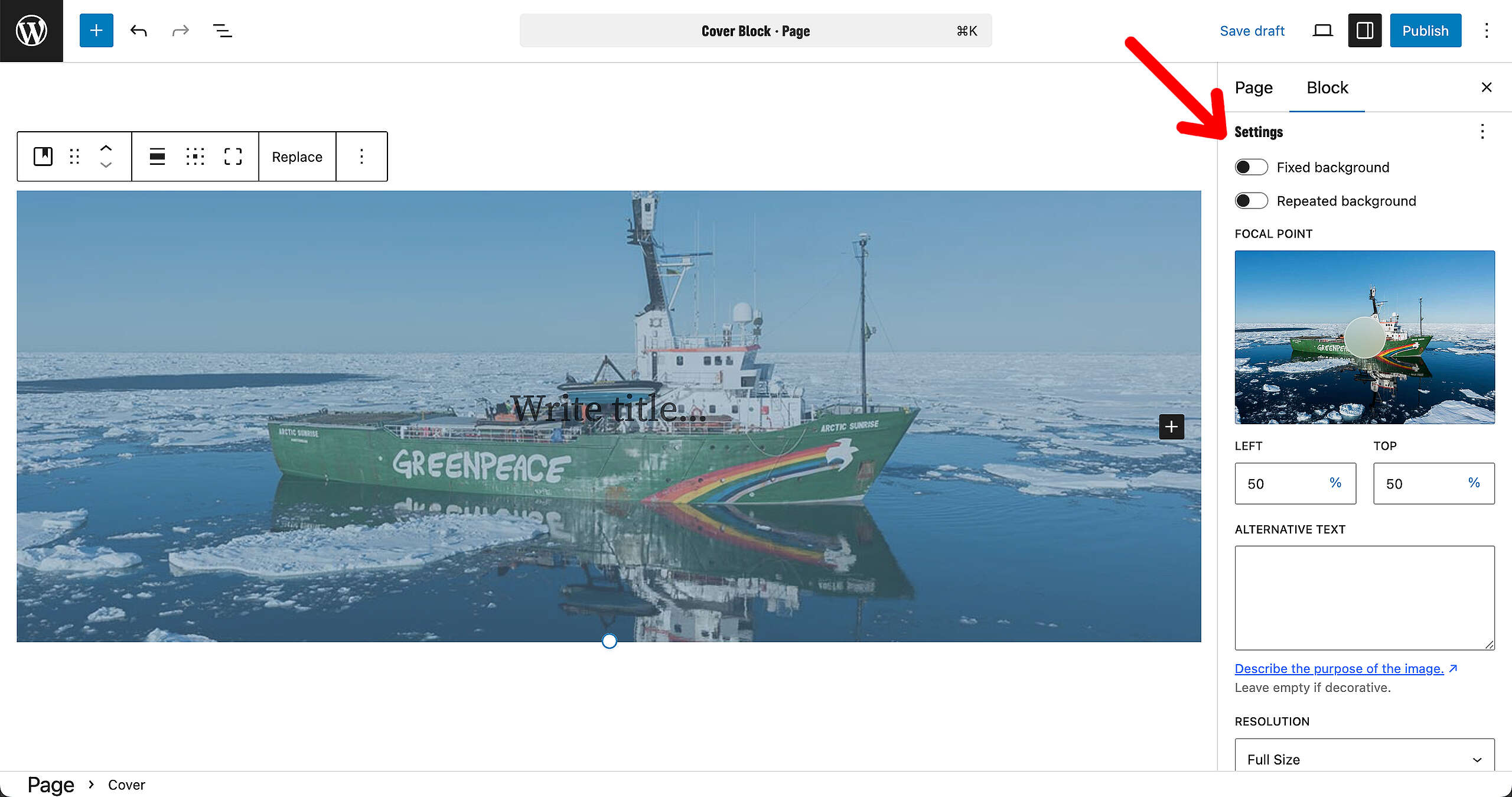
There are a couple of settings available to make sure the image is properly aligned. You can make the background fixed on scroll, or make it repeat (in case of using a smaller image). If both are unchecked, images will behave normally and adapt responsively to the screen.
Adding elements
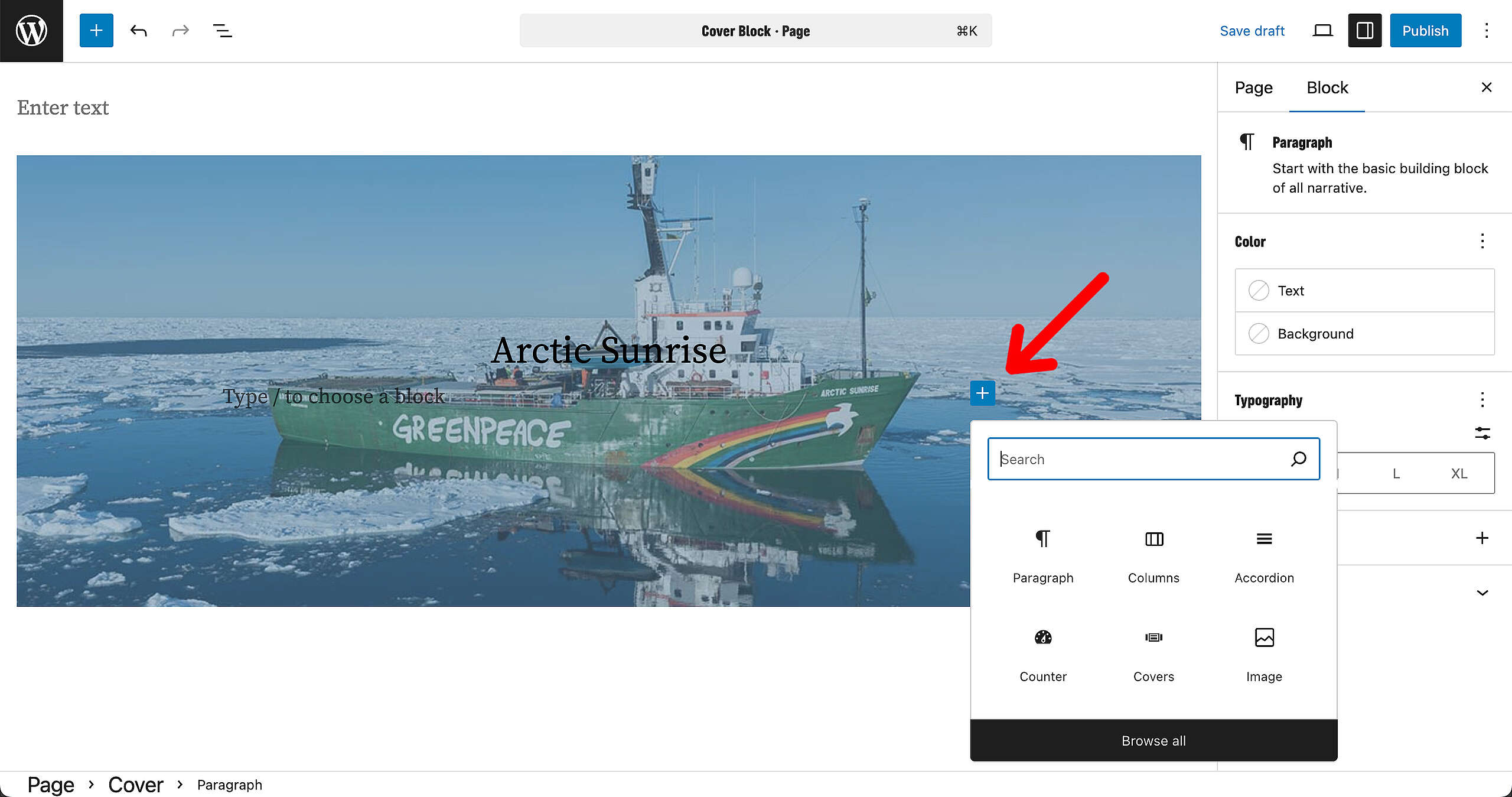
Inside the Cover Block, you can add several additional Blocks. Paragraphs, titles, buttons, … feel free to experiment and get creative!
Readability
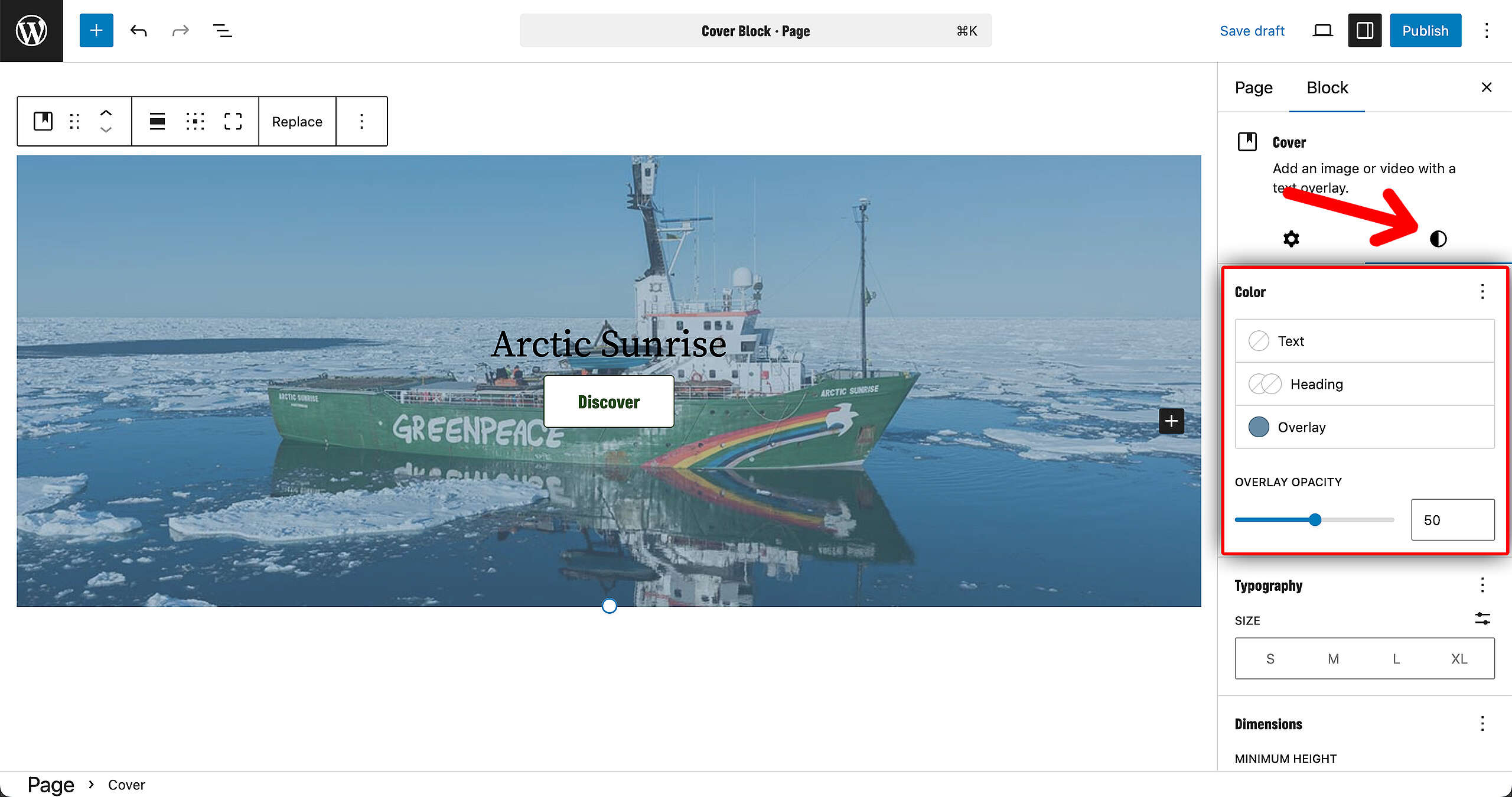
However, when experimenting with the Cover Block, make sure readability is still at play. For example: on the image below, it is hard to read the “Arctic Sunrise” title. So lets go to the Block options in the right sidebar and play around with the settings.
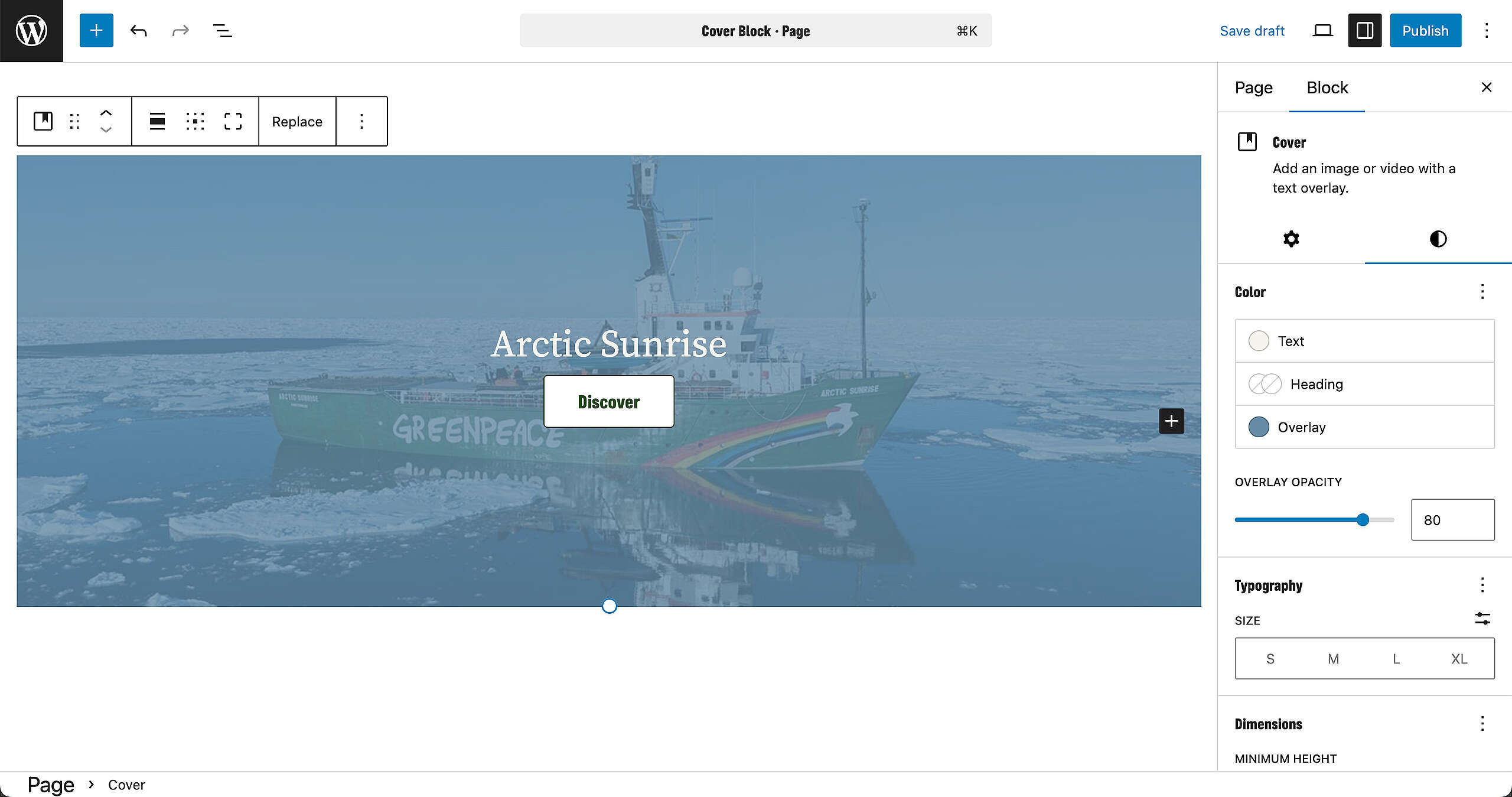
After adjusting the text color and the overlay opacity, the Block looks much better and becomes fully readable.
Result
Save the page, and this is how it looks!
