
Block: Actions List
Pull out dynamically your Actions to promote organic navigation towards taking action!
📚 Create Content > Blocks > Actions List (previously known as Covers Block)
Upcoming update
PLANET4-7895 Actions List: sort items by user choice on manual override
Definition & Purpose
Definition
Use the Actions List block to insert a list or grid of the latest petitions, newsletter signups, and/or donations, organized by publication date. This block automatically pulls and sorts these Actions according to their type, tags, and categories.
Purpose
Highlighting Actions so that users can easily see and navigate to the latest and most relevant types of actions.
Add the block to your page
The block can be manually added in Pages by selecting in the Planet 4 blocks menu. On the left, find the Actions List in the Planet 4 Blocks overview. To add it to the page, simply click on it, or use drag and drop.
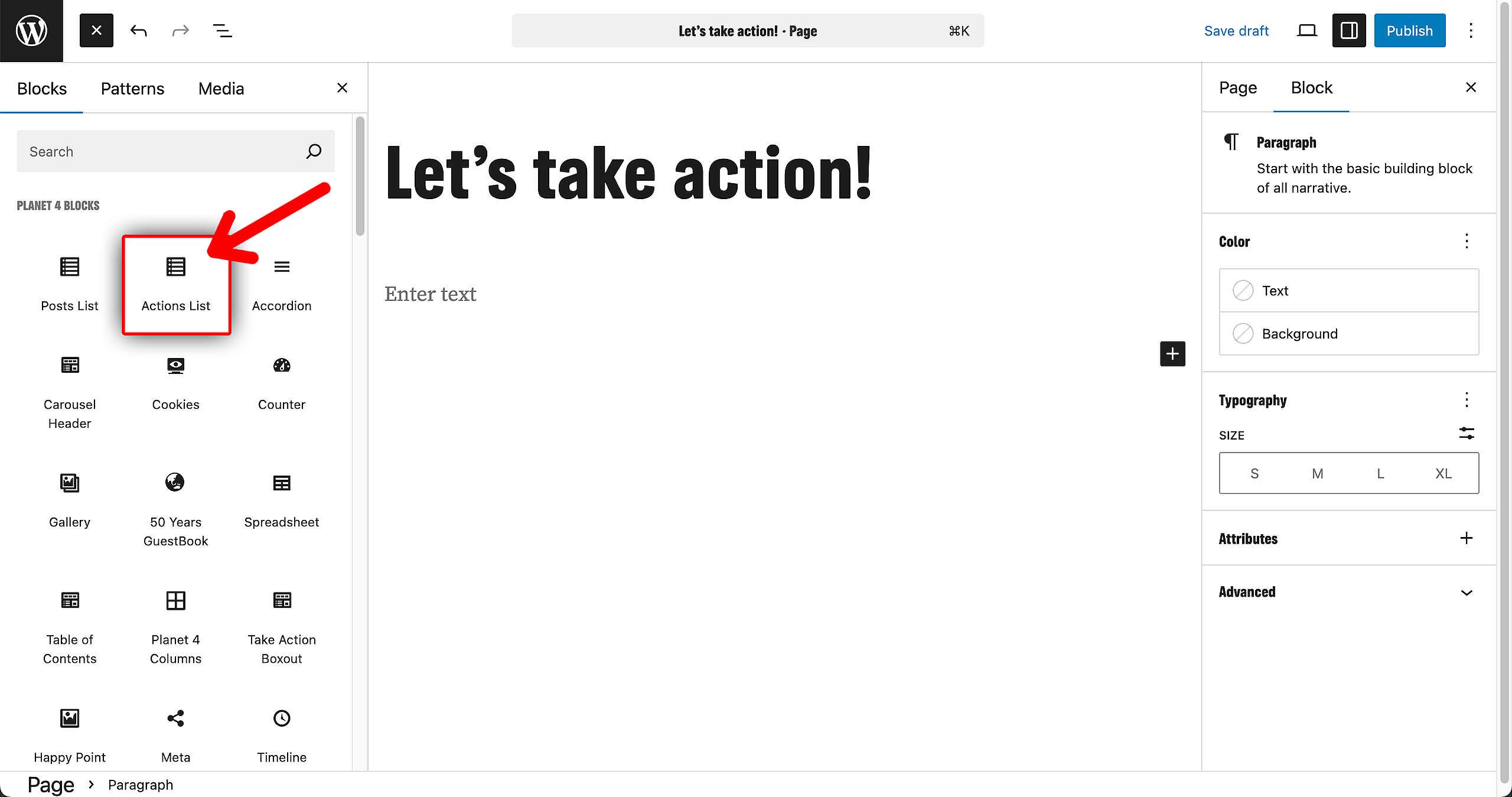
Customize the block
There a lot of customizable elements to the Actions List Block. These are the things you can edit, on the right in the sidebar:
- The title and the description can be edited right inside the block
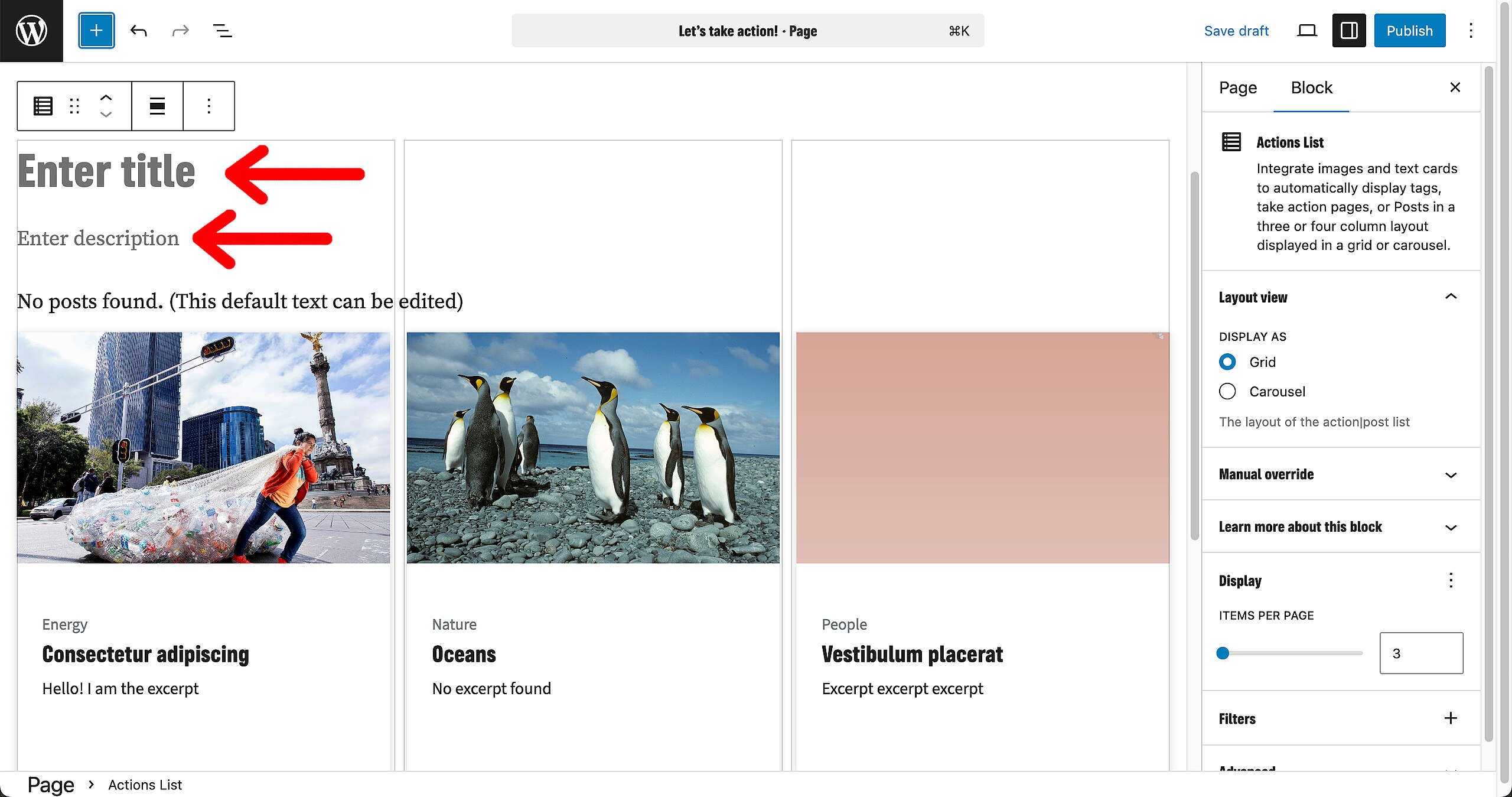
The rest of the options have been moved to the menu on the right side.
- Layout view: select how you want to display the overview. You have two options
- Grid
- Carousel
- Manual override: how many Actions you want to be displayed in this block
- Display: select how many Actions you want to display per Page
- Filters: here you determine what taxonomy of Actions will be pulled in. You can apply filters such as:
- Categories
- Tags
- Action Types
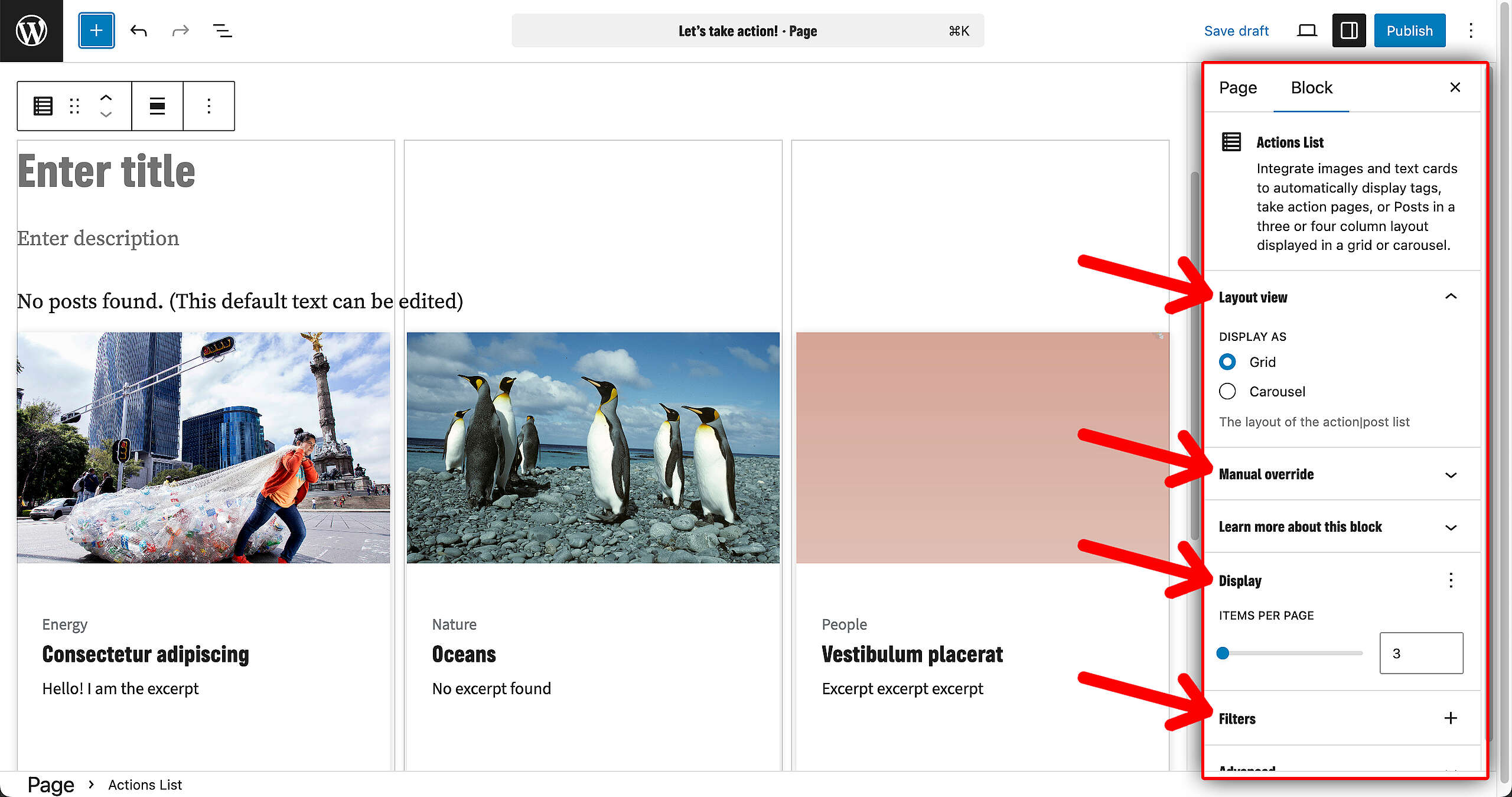
🤔 The preview is static : tags and links are not clickable in the preview window in the backend so that it is clear which elements are editable or not.
Manual override of Actions
If you want specific pieces of content to be pulled out, you can customize the order with specific Actions. Type in the Action you want to add to the overview of the Block, and in which order.
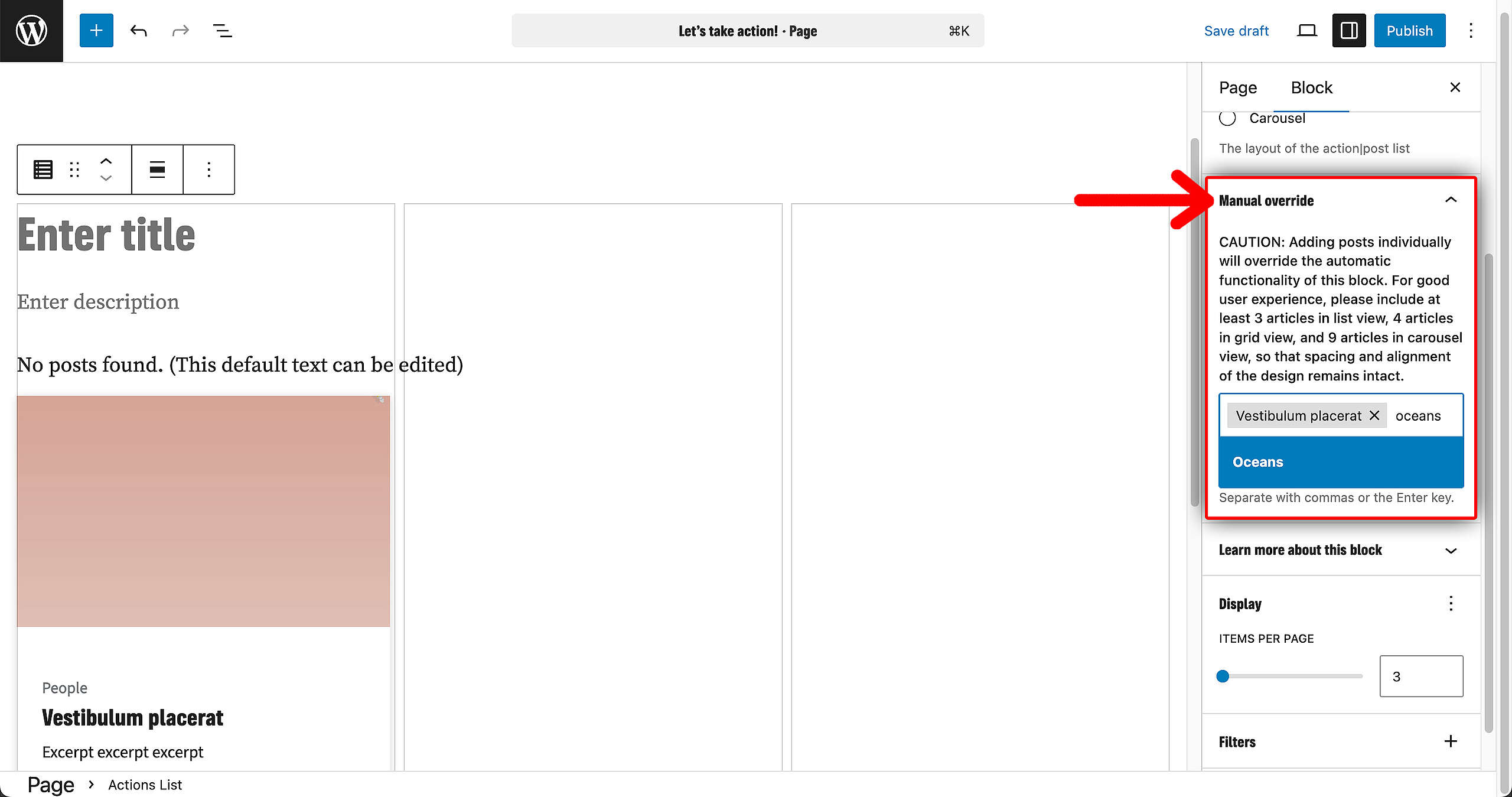
🤔 Key Info : It is possible to manually select custom Actions for display, even when filters such as tags or categories are applied. However, if the manually selected Actions do not meet the criteria of the active filters, they will not be displayed within the block.