
Block: Accordion
Expand or collapse content to improve user experience by preventing endless scrolling.
📚 Create Content > Blocks > Accordion
Use the Accordion block if you want to simplify and organize content in a way that makes the user experience better by preventing endless scrolling through long content. The accordion block can be extremely helpful for mobile users.
Add the block to your page
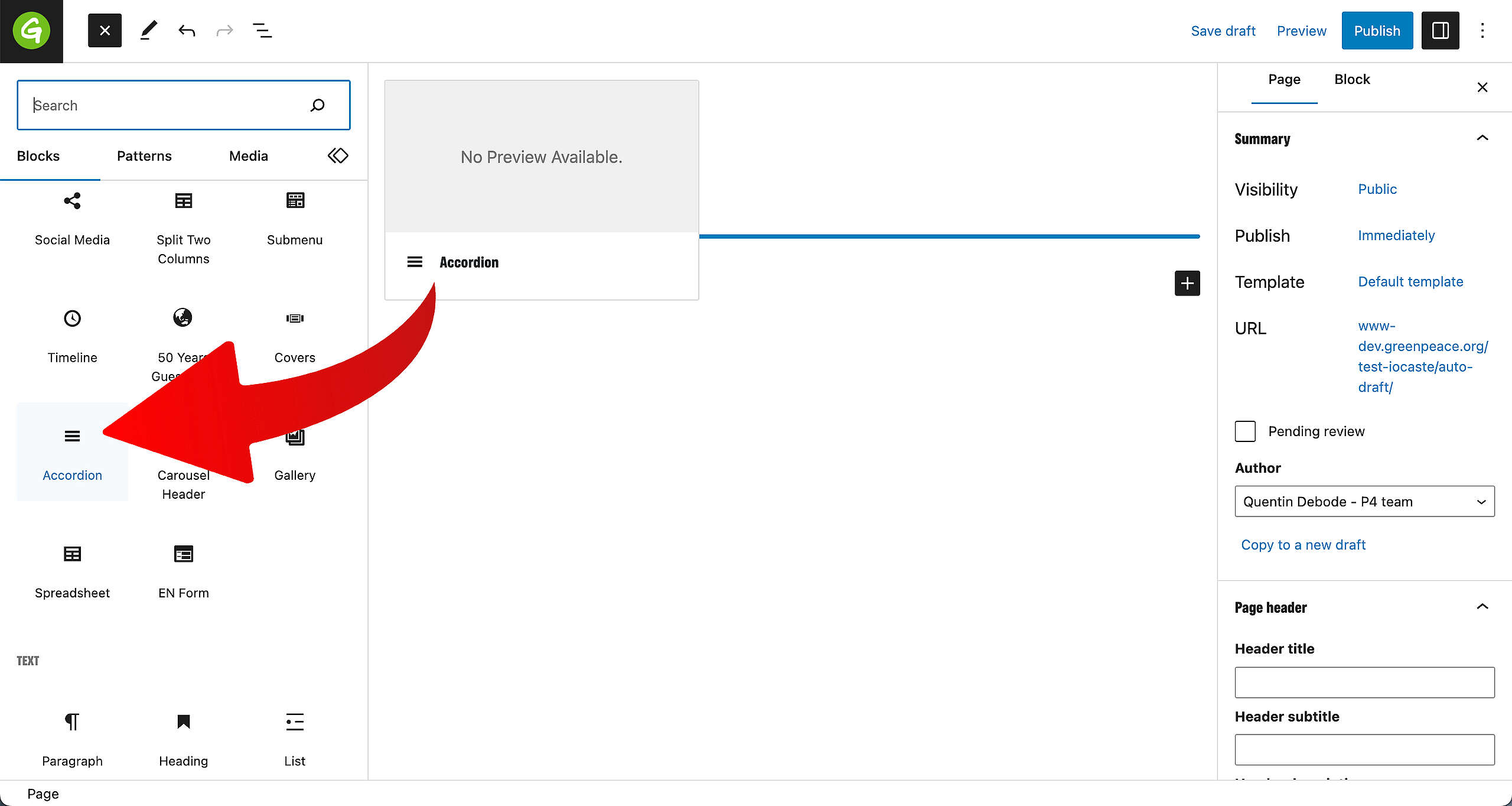
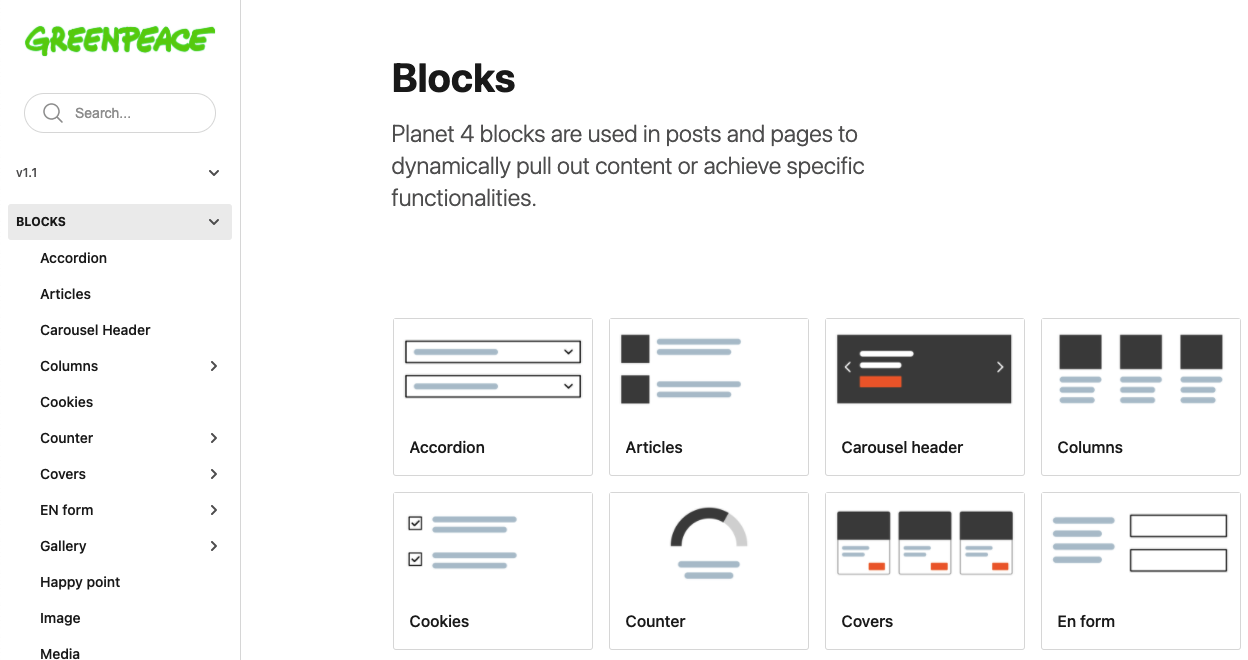
You can find the Block in the Blocks overview on the left.
Edit block
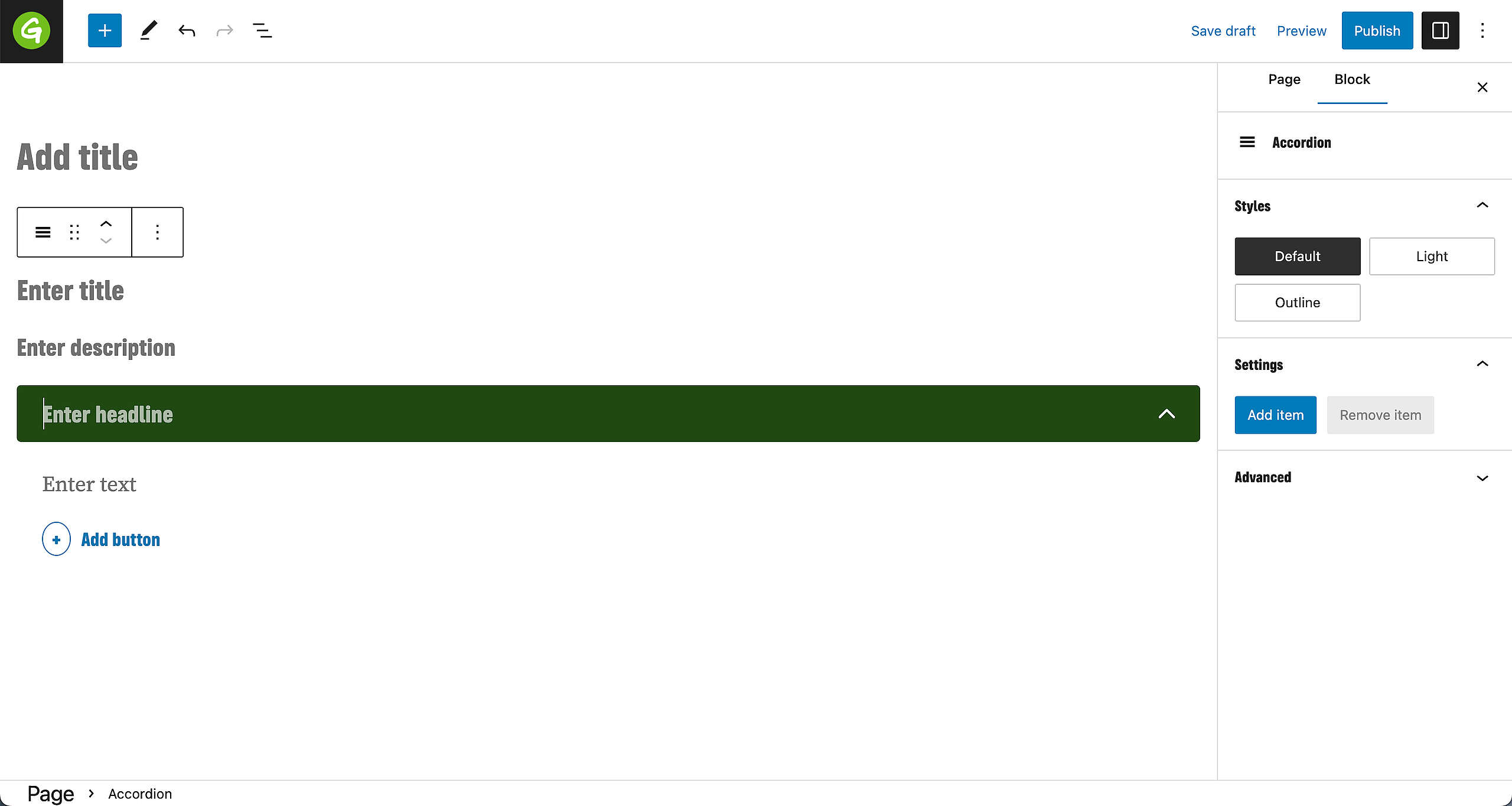
The Accordion block is a WYSIWYG block. Title and description fields for the block and headline and text for each entry, as well as the button text can be edited directly in the block editor.
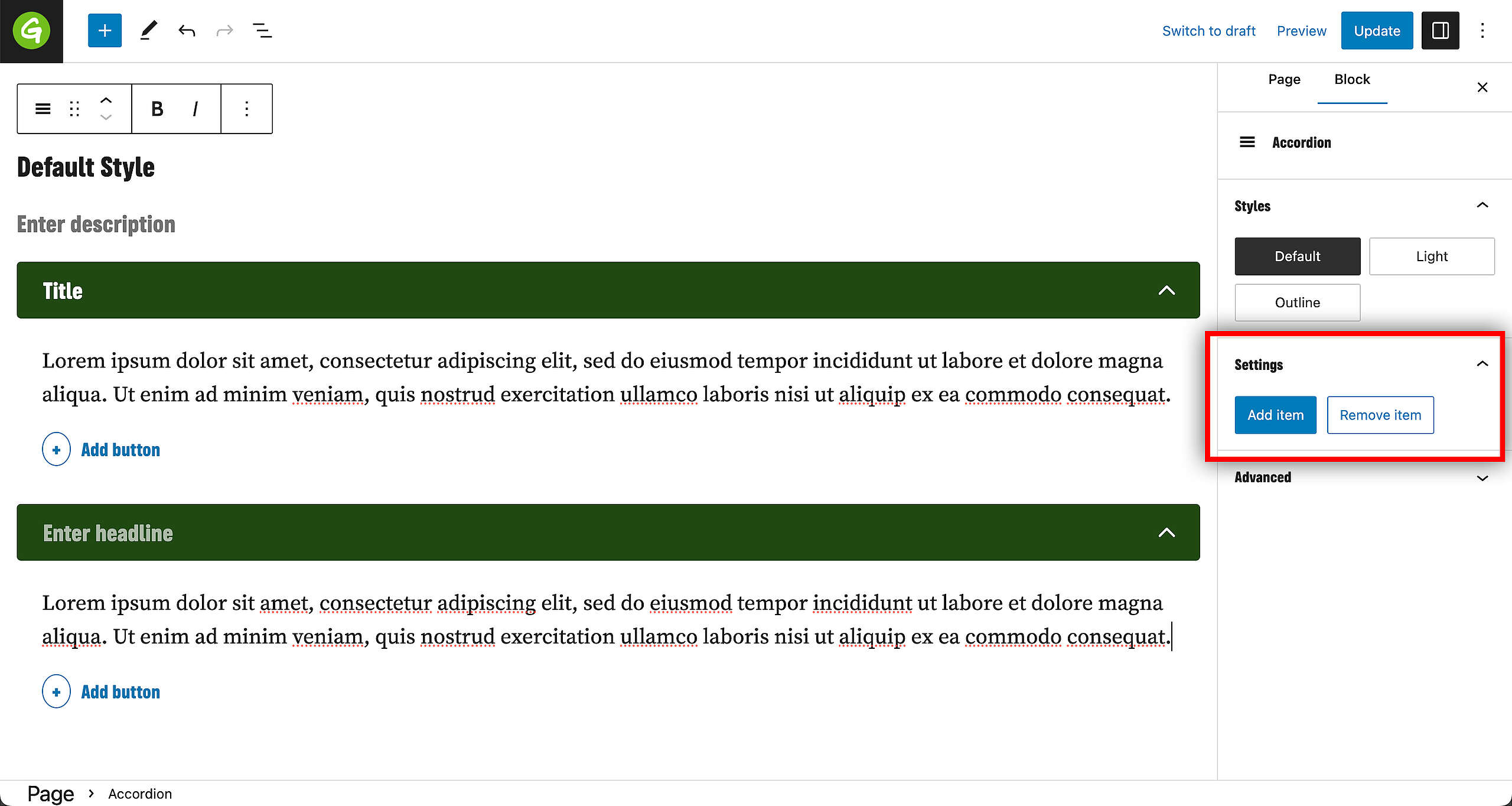
Some other settings are available on the right size of the editor, in the Sidebar. The editor can choose the style or add more items to the accordion block, or remove items.
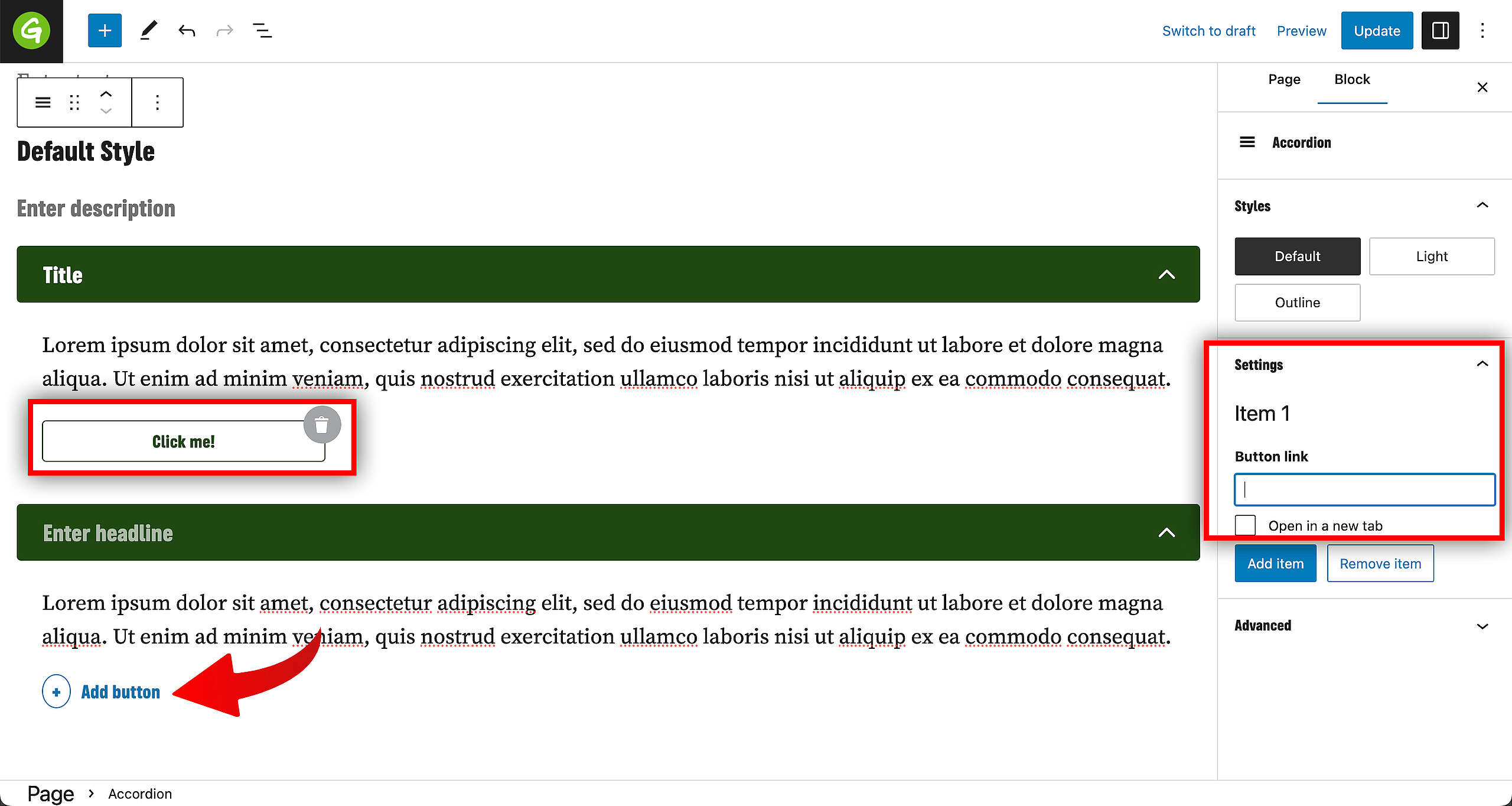
Editors can also links by adding a Button. To determine the button link and select the option whether to open in a new tab or not, go to the Sidebar on the right.
Styles
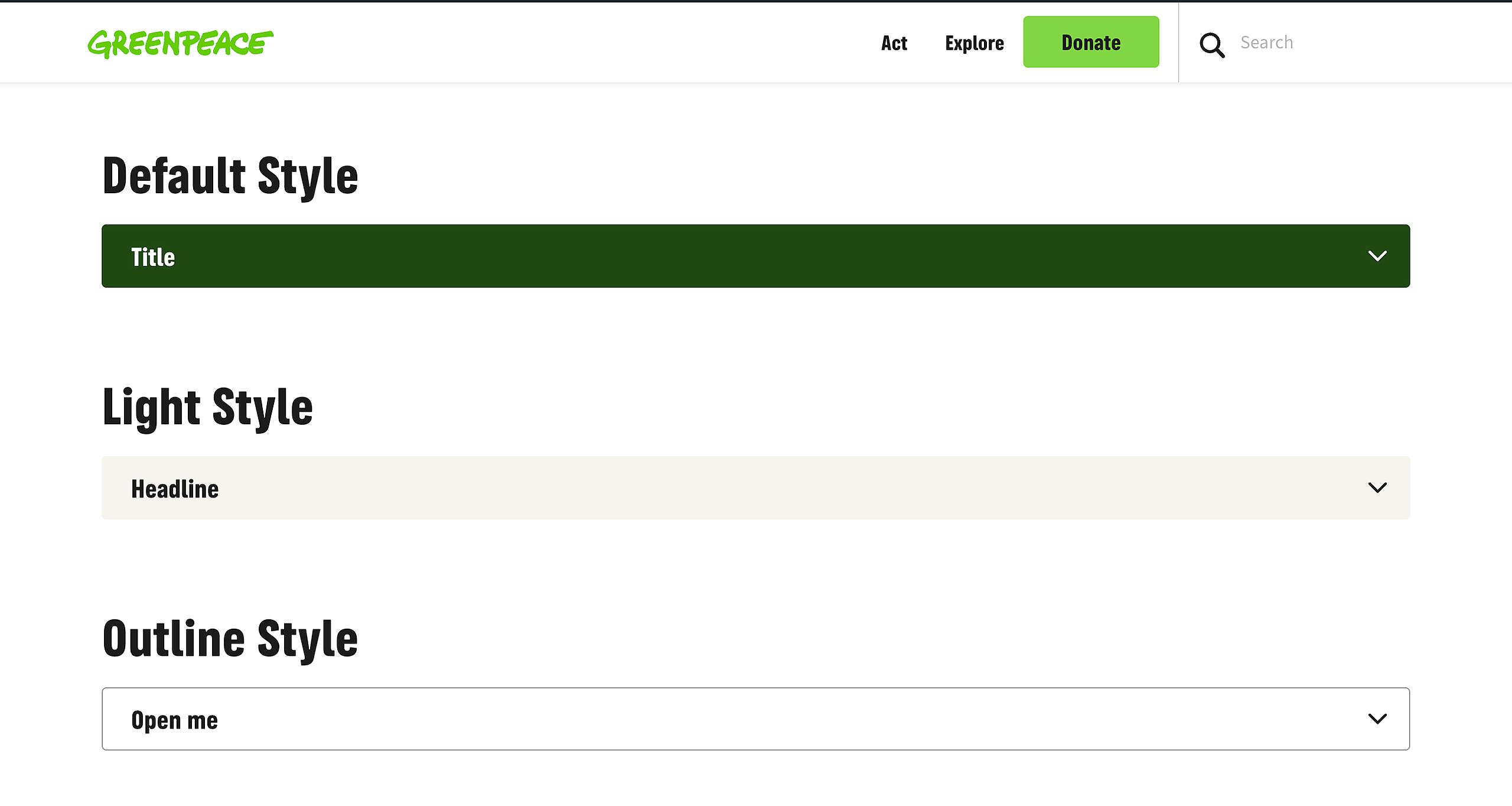
There are three different styles available:
- Default
- Light
- Outline
Want to do more?
Check out the Details Block for the same functionality, but with more options. Such as adding columns, images, social media embeds, buttons and more!
Design elements
All design files of the Accordion block are available in the P4 Design Systems > Blocks > Accordion
Links & Resources
- Handbook
- Set up the P4 key Content (Navigation, Footer, Menus, Favicon, Post types)