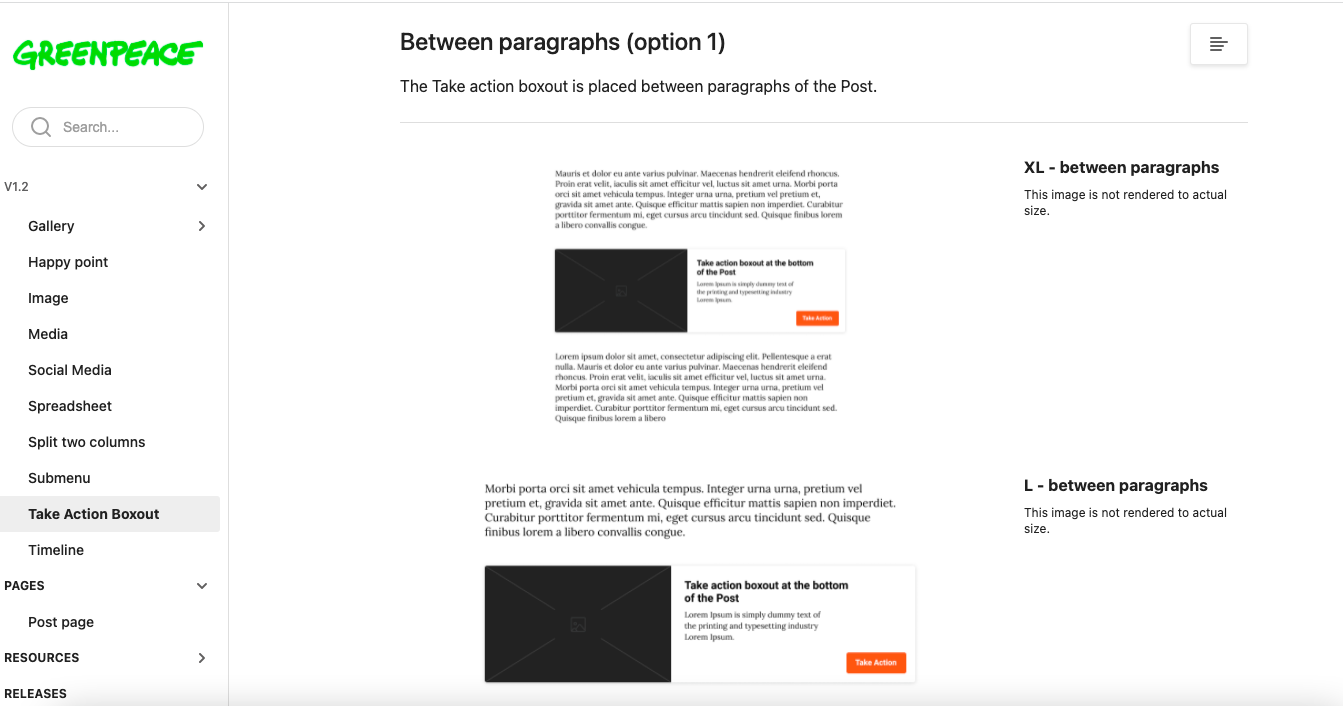
Block: Take Action Boxout
Include Call To Actions within posts and pages through a dynamic floating card!
📚 Create Content > Blocks > Take Action Boxout
Definition & Purpose
Definition
The Take Action Boxout Block is a versatile horizontal card featuring an image, description, and Call to Action, designed to link to Take Action pages or any custom link such as external petitions or donation pages.
Purpose
By placing these cards strategically, it guides user engagement and prompts users to take specific actions in an intuitive and effective manner.
Take Action Pages Selector
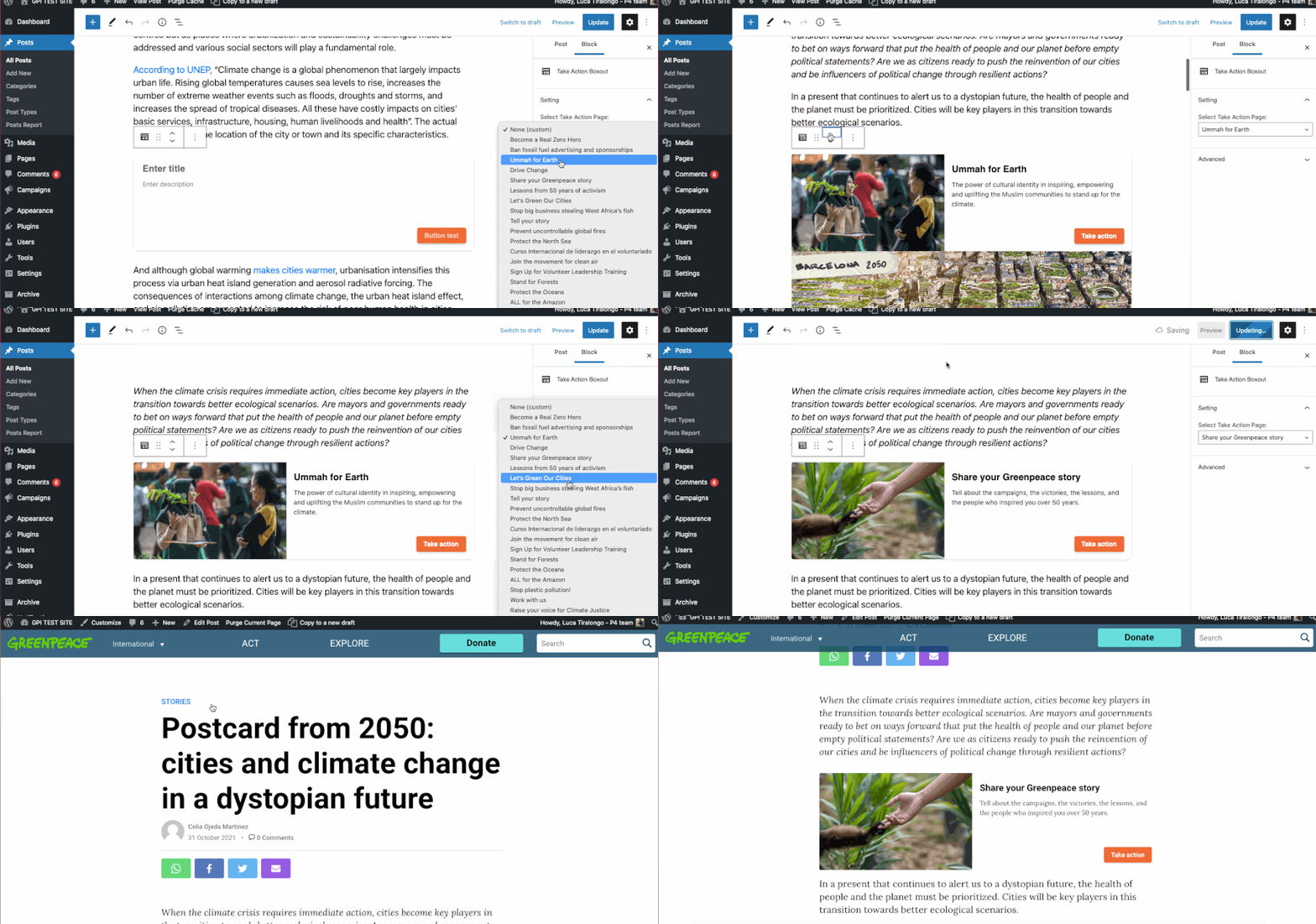
It’s recommended to use this field for Stories and Publications only. From the drop down menu on the block settings on the right, choose the related Take Action page, if one exists.
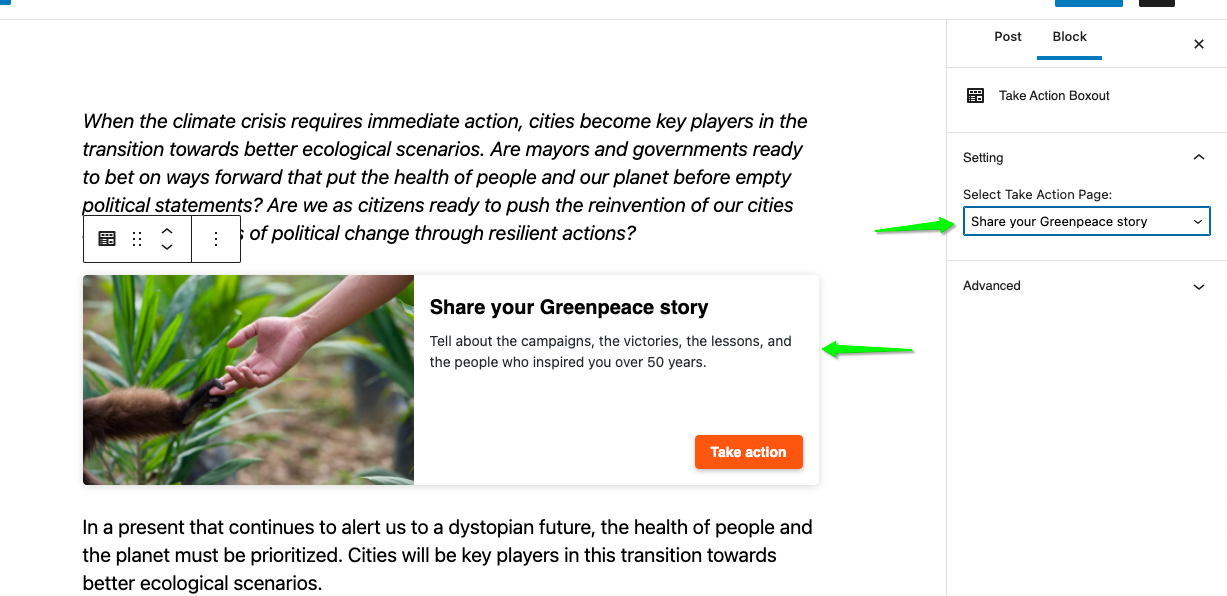
See .gif below to see it in action..
Custom Take Action Boxout
Apart the “Take action page selector” (above), you can add the Take action boxout as an individual block and customise its content.
All the items of the block are customisable (image, title, description, link). These appear when no existing take action page is selected.
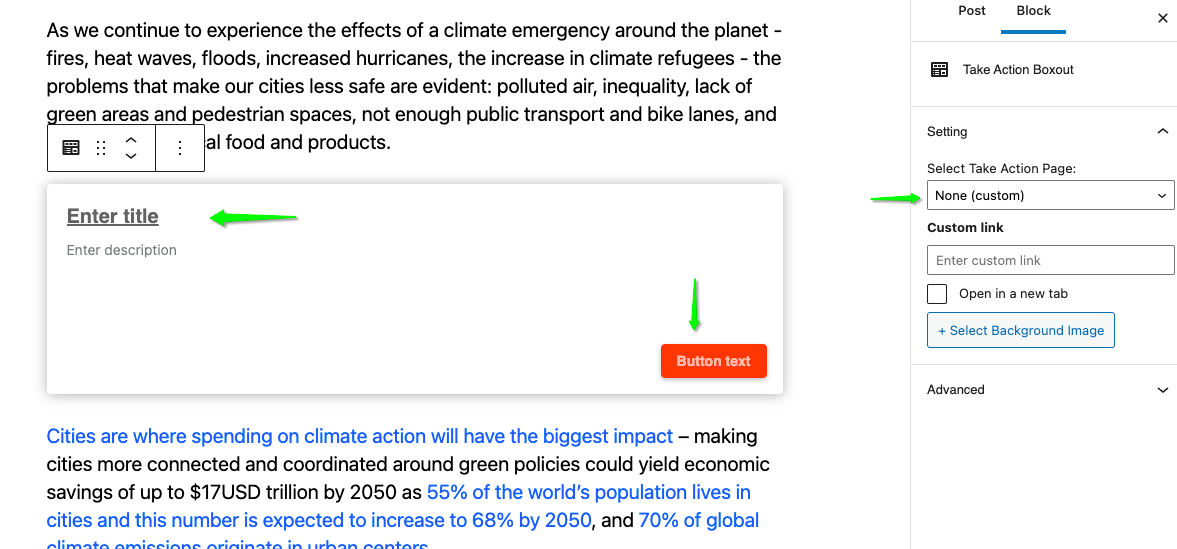
See .gif below to see it in action..
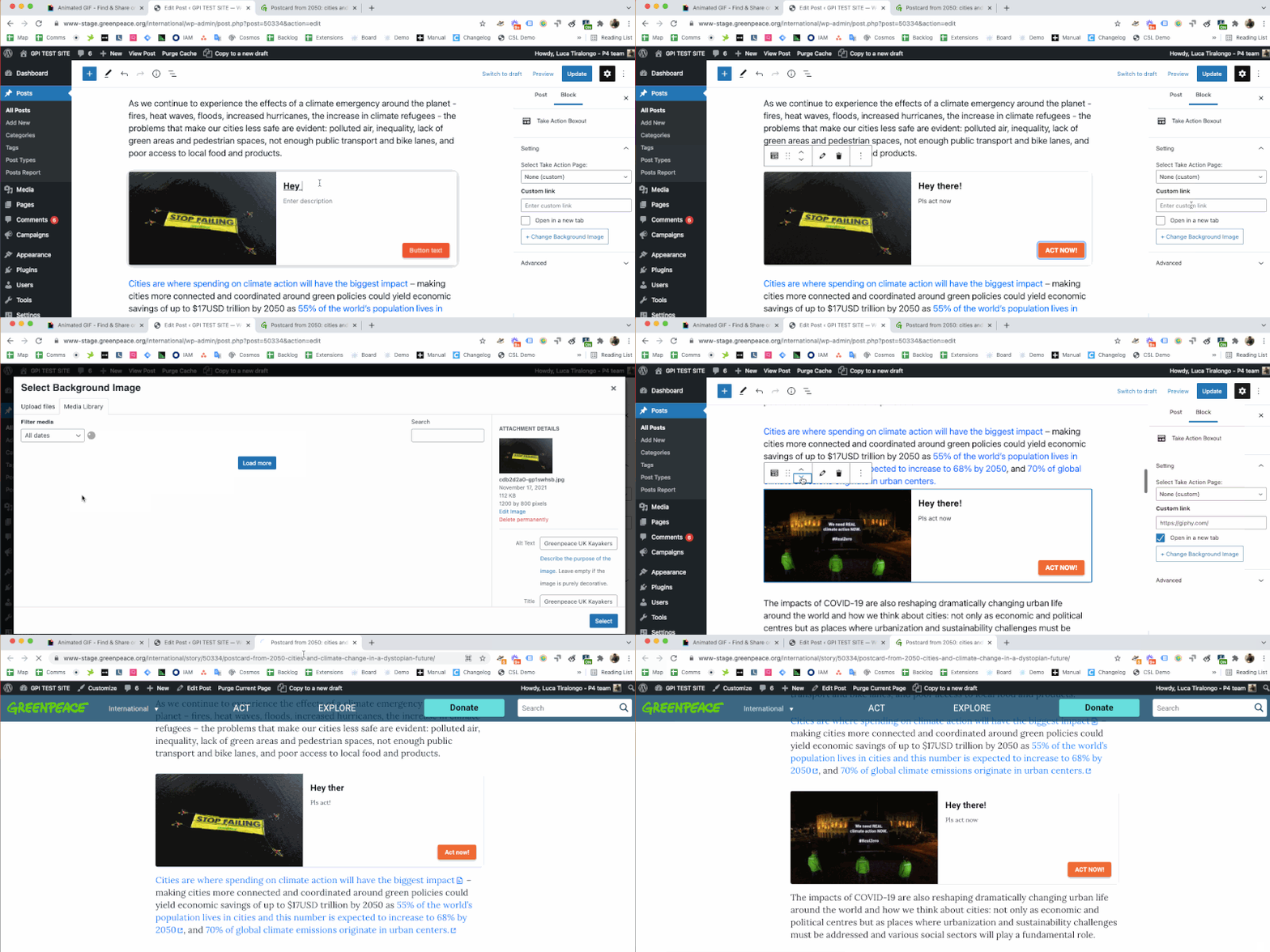
KEY INFO – If both “Take Action boxout block” and “Take action page selector” are populated, the priority will be given to the block manually inserted in the Post.
Behaviour of the cards
- The whole card is clickable and can be placed between paragraphs in Posts only
- On desktop and tablets, the card appears depending on where you placed it in the body
- In the active state (when is hovered over) the card is surrounded by a dark grey shade
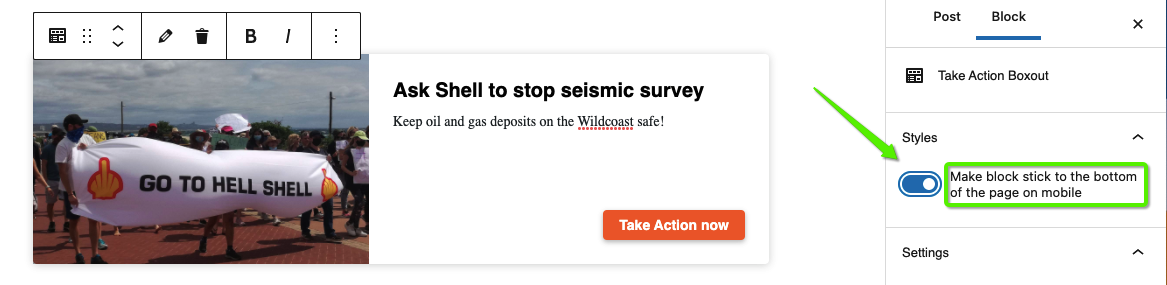
“Sticky” option on mobiles
Editors can decide whether, on mobiles, the card should be placed at the bottom of the screen as a sticky component by toggling the command on the right..
Design Elements
All design files of the block are available in the P4 Design Systems > Blocks > Take Action Boxout